

Close Menu
The West News
  • Home
  • News
  • Entertainment
  • Gaming
  • Money
  • Local
    • Los Angeles
Facebook X (Twitter) Instagram
The West News
  • Home
  • News
  • Entertainment
  • Gaming
  • Money
  • Local
    • Los Angeles
Facebook X (Twitter) Instagram
The West News
Home » Overwatch 2: Solve “Player Is in a Different Version” Error
News

Overwatch 2: Solve “Player Is in a Different Version” Error

The West NewsBy The West NewsOctober 5, 20222 Mins Read
Facebook Twitter Pinterest LinkedIn Tumblr Email
Genshin Impact: Opening the Domain of the Garden of Endless Pillars
Share
Facebook Twitter LinkedIn Pinterest Email

Overwatch 2: Solve “Player Is in a Different Version” Error

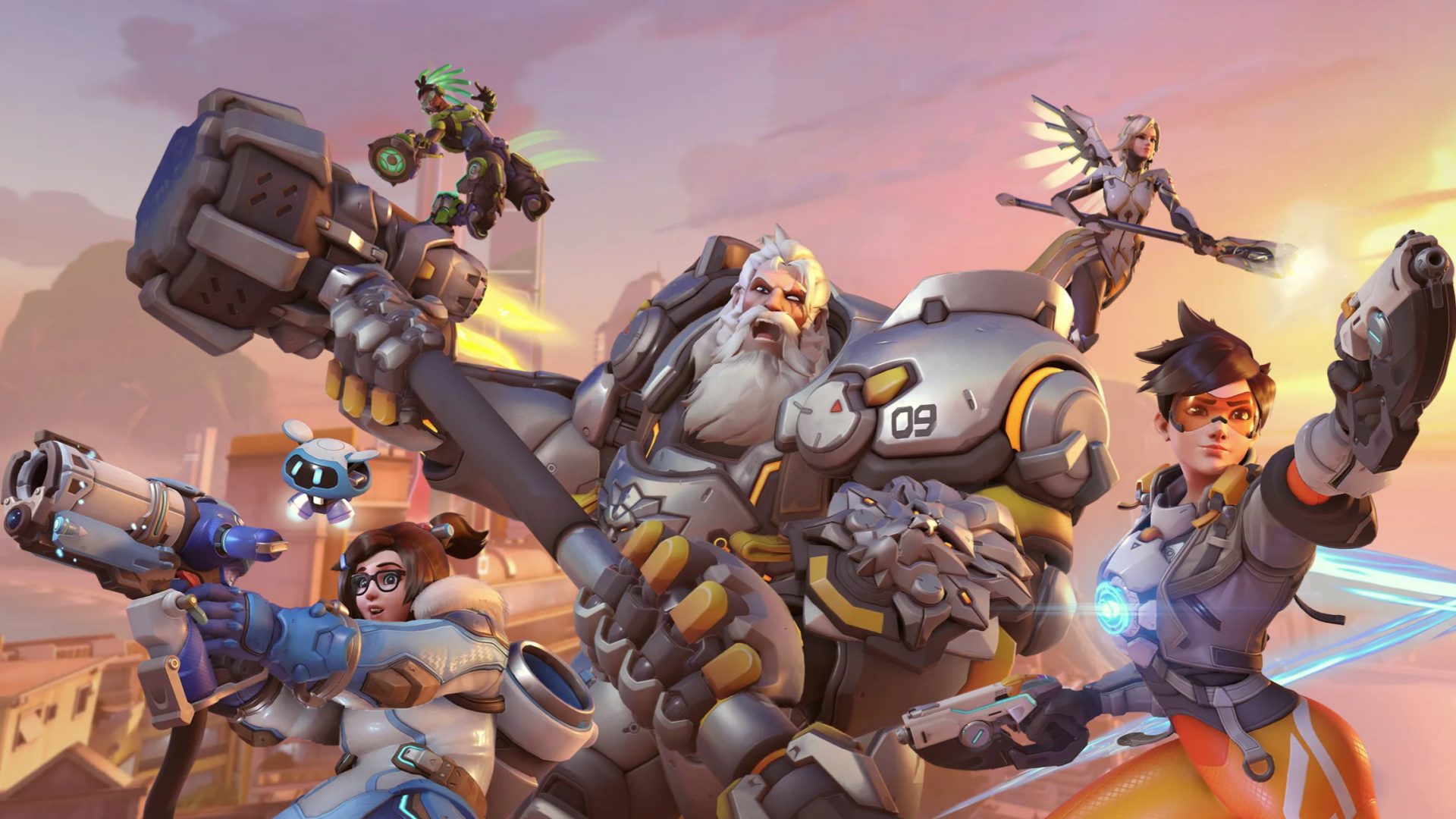
Overwatch 2 has just been released on PC and consoles, and there have been reports of several flaws and server problems. If you were lucky enough to make it this far, you may still have run into a few snags. Here’s what you should try if you are seeing the “Player is in a different version” message in Overwatch 2:

How to Fix It The “Player Is in a Different Version” Error in Overwatch 2

An error message reading “Player is in a different version” may appear when you invite a friend to a game in Overwatch 2, preventing you from joining the group with them. This indicates that your friend could be online but playing an older version of the game since they have not upgraded to the newest one.

You may easily resolve this problem by installing the latest game patch. Follow these steps:

If you are using a PC with the Battle.net client, you may check for updates by selecting the gear icon next to the Play button.

To get the latest patch for your Switch game, hit the + button and select Software Update.

If you want to check for updates on your PlayStation, press the Options button.

Access Xbox One’s update feature by going to the My Games & Apps menu, clicking Manage, and then selecting Updates.

If your friends also have Overwatch 2 loaded and the most recent patch applied, you should be able to play together after the update is complete.

gaming News Overwatch 2
Share. Facebook Twitter Pinterest LinkedIn Tumblr Email
Avatar photo
The West News
  • Website

TheWestNews is a publication where we share the latest news regarding entertainment, gaming, sports, and local American news. Want to be featured or have some tip for us then reach at "contact@thewestnews.com"

Related Posts

The No-Fuss Guide to Planting a Perennial Border That Gets Better Every Year

August 3, 2026

11 Reliable Border Plants You Don’t Need to Baby

August 3, 2026

How to Download Roblox on PC and Mac (Free, Step-by-Step Guide)

August 3, 2026
Advertisement

Social Security COLA 2027 Forecast Revised Lower After Inflation Cools

July 30, 2026

Did Anyone Win the Powerball? Winning Numbers for July 22, 2026 Drawing

July 24, 2026

Social Security Checks Going Out July 22: Here’s Who Will Receive Payment

July 22, 2026

Best 0% APR Credit Cards of July 2026

July 21, 2026

Funko SDCC 2026 Exclusive Bundle: Full List of 20 Comic-Con Funko Pops

July 23, 2026

Jessica Chastain’s ‘Other Mommy’ Trailer Unveiled Ahead of October Release

July 22, 2026

The Odyssey Sets New 2026 Monday Record With $18.67 Million at U.S. Box Office

July 22, 2026

Christopher Nolan’s The Odyssey Review: A Visually Stunning Epic That Reimagines Homer’s Classic

July 16, 2026
Facebook X (Twitter) Instagram Pinterest
  • About Us
  • Contact
  • Disclaimer
  • Privacy Policy
  • Sitemap
  • Affiliate Disclosure
  • Terms
  • Careers
  • Write for Us
© 2026 TheWestNews.

Type above and press Enter to search. Press Esc to cancel.

Ad Blocker Enabled!
Ad Blocker Enabled!
Our website is made possible by displaying online advertisements to our visitors. Please support us by disabling your Ad Blocker.
✕