

Close Menu
The West News
  • Home
  • News
  • Entertainment
  • Money
  • Local
    • Los Angeles
  • World News
Facebook X (Twitter) Instagram
The West News
  • Home
  • News
  • Entertainment
  • Money
  • Local
    • Los Angeles
  • World News
Facebook X (Twitter) Instagram
The West News
Home » How to fix error code 48 in Call of Duty: Warzone
Gaming

How to fix error code 48 in Call of Duty: Warzone

The West NewsBy The West NewsJanuary 6, 20222 Mins Read
Facebook Twitter Pinterest LinkedIn Tumblr Email
Share
Facebook Twitter LinkedIn Pinterest Email

How to fix error code 48 in Call of Duty: Warzone

Error codes in Warzone have prevented users from enjoying Activision’s battle royale spectacle. This is how to fix ‘error code 48′. Warzone obstacles are a regular occurrence. Even their own gas masks and OP weapons (despite RICOCHET anti-cheat). But many fans of the game are trapped on the main menu or even the boot-up screen.

Goldflake, Error Code 47, and 896 are just a few instances of error codes. Now, players are seeing error code 48. Here are some solutions to this annoying problem.

What is Warzone’s error code 48?

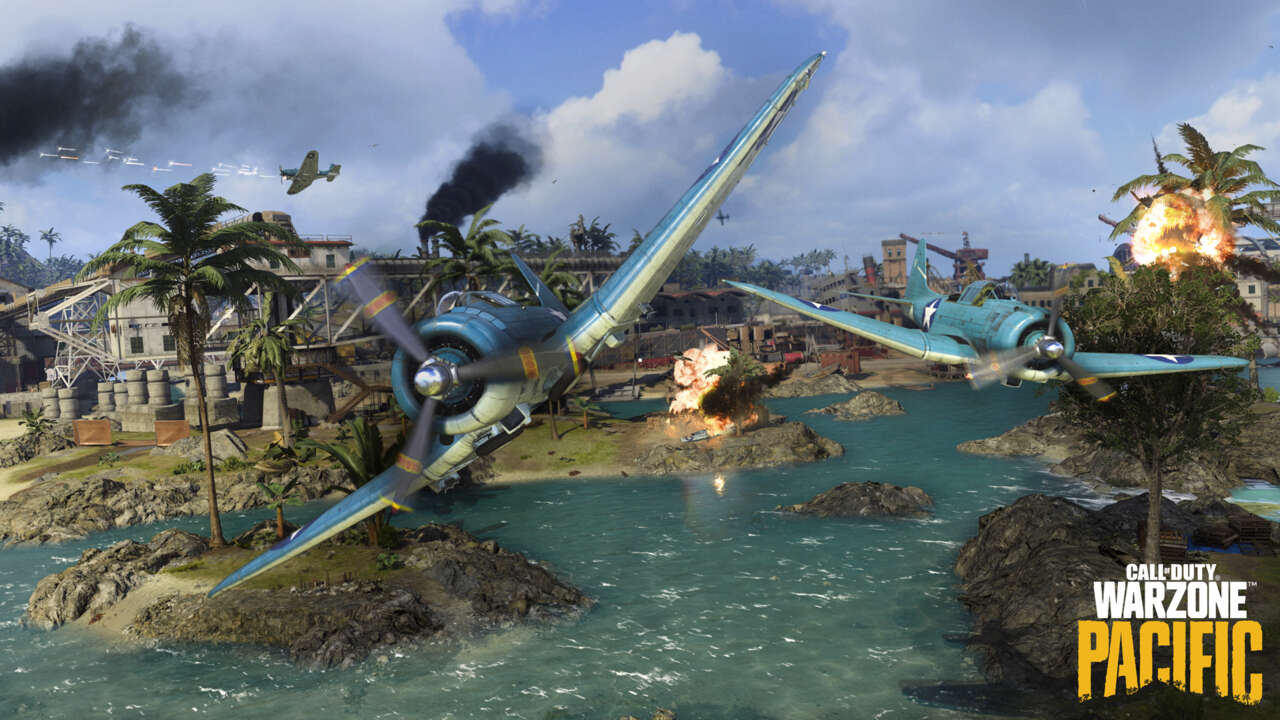
Players have been complaining about error code 48 in Warzone Pacific, and Caldera visitors want answers. The glitch occurs on the game’s opening screen.

“Download has failed,” it says on the lobby screen. Can we try again?” “Error code: 48,” it says.

Warzone error code 48 solutions for PS4, PS5, Xbox One, Xbox Series X & PC

This is naturally upsetting. Raven Software has yet to recognize the problem code. But we have identified some solutions to this problem.

Check for an update

It’s possible that your Warzone isn’t up to scratch. The game won’t work without the latest update. Look under the game’s updates area for a new refresh option.

You can also check your console’s download notifications to see if you’ve received a recent update that corresponds to the game’s current version.

Also, if your updates are set to manual, consider changing the settings to automatic.

Check your internet connection

Again, if you need the new update, it may be because your internet connection is unstable. Easily test your internet connection strength on a console or PC. If it persists, contact your internet provider or switch to a wired connection.

You can also use the old way of turning it off and on again.

Uninstall Warzone

If all else fails, uninstall Warzone. Reinstalling Warzone’s enormous game file is fiddly and time-consuming. But, as a final option, a hard reset can occasionally fix things!

Call of Duty: Warzone gaming Guides News
Share. Facebook Twitter Pinterest LinkedIn Tumblr Email
Avatar photo
The West News
  • Website

TheWestNews is a publication where we share the latest news regarding entertainment, gaming, sports, and local American news. Want to be featured or have some tip for us then reach at "contact@thewestnews.com"

Related Posts

Trump Slams Grammys and Threatens Lawsuit Over Trevor Noah Joke

February 4, 2026

GTA 6 Marketing Begins This Summer as Take-Two Reaffirms November Release

February 4, 2026

Fallout Season 2 Finale Review: The House Mostly Wins

February 4, 2026
Advertisement

I Didn’t Change My Spending I Just Started Getting Free Flights and Hotels

December 15, 2025

I Thought My Points Were Worth $600 — Then I Booked a $6,200 Flight

December 15, 2025

The 5-Step Blueprint to Booking Your First $10,000 Flight for $50

December 15, 2025

Current Marriott Bonvoy Card Offers: What You Can Earn Right Now

November 23, 2025

Trump Slams Grammys and Threatens Lawsuit Over Trevor Noah Joke

February 4, 2026

Fallout Season 2 Finale Review: The House Mostly Wins

February 4, 2026

Steal Review: Prime Video’s Twisty Heist Thriller Powered by Sophie Turner

February 4, 2026

Disney Plus Schedule November 24-30, 2025: Chris Hemsworth Documentary and Beatles Anthology Arrive

November 23, 2025
Facebook X (Twitter) Instagram Pinterest
  • About Us
  • Contact
  • Disclaimer
  • Privacy Policy
  • Sitemap
  • Affiliate Disclosure
  • Terms
© 2026 TheWestNews.

Type above and press Enter to search. Press Esc to cancel.