

Close Menu
The West News
  • Home
  • News
  • Entertainment
  • Gaming
  • Money
  • Local
    • Los Angeles
Facebook X (Twitter) Instagram
The West News
  • Home
  • News
  • Entertainment
  • Gaming
  • Money
  • Local
    • Los Angeles
Facebook X (Twitter) Instagram
The West News
Home » Fortnite Chapter 3 Season 1: How to mark an enemy player using a Flare Gun
Gaming

Fortnite Chapter 3 Season 1: How to mark an enemy player using a Flare Gun

The West NewsBy The West NewsJanuary 13, 20222 Mins Read
Facebook Twitter Pinterest LinkedIn Tumblr Email
Share
Facebook Twitter LinkedIn Pinterest Email

Fortnite Chapter 3 Season 1: How to mark an enemy player using a Flare Gun

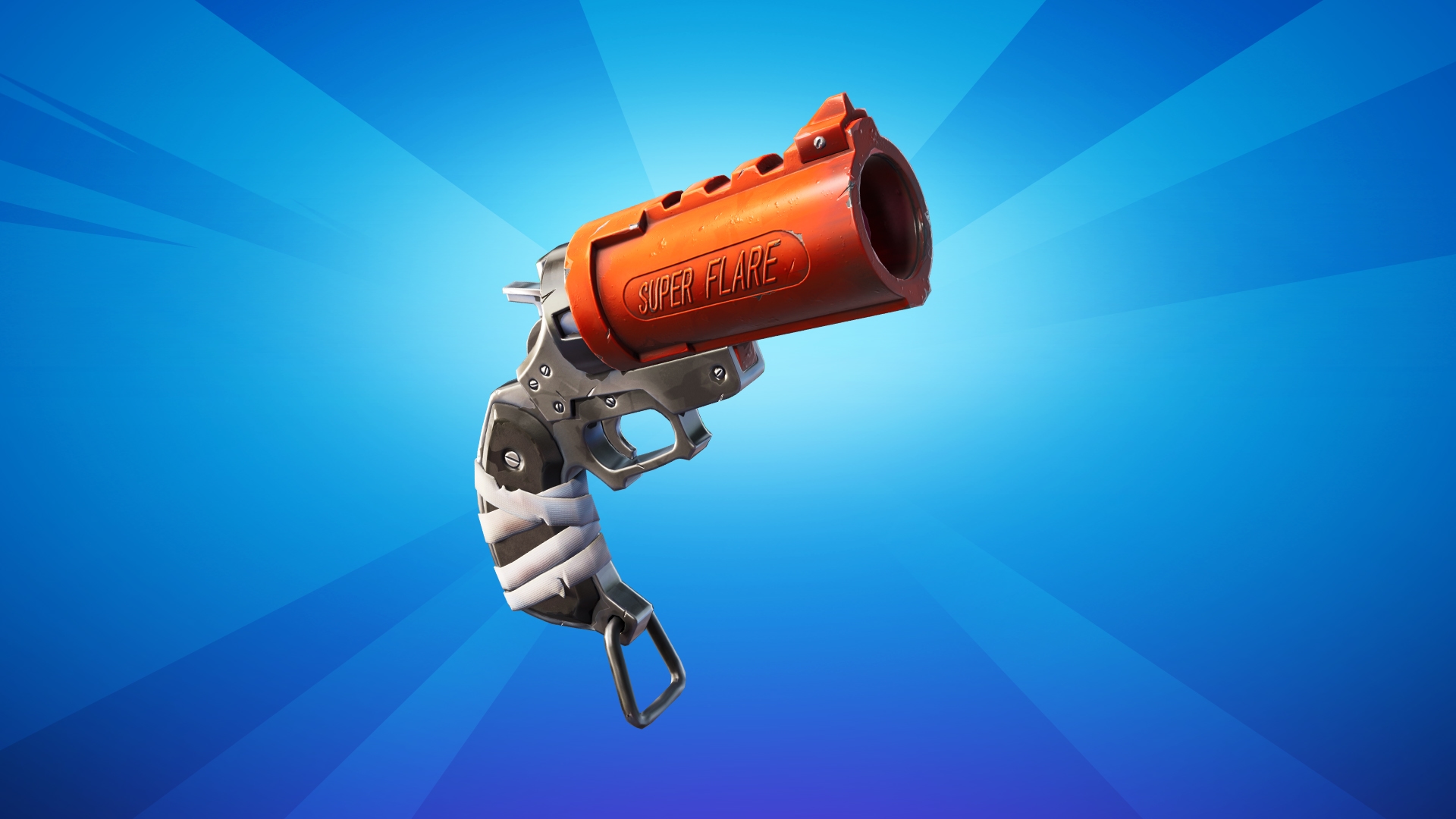
If players find the now-unvaulted Flare Gun in Fortnite Chapter 3 Season 1, they’ll be treated to some serious firepower while aiming at adversaries.

Despite this, the weapon works best when used to spotlight everyone in the vicinity, allowing users to take off players one by one. Before attempting to designate foes with the Flare Gun, players need to be aware of a few things.

Players can only mark opponents by shooting the Flare Gun straight up into the sky, rather than aiming it at anything nearby. A blue grid should appear on your screen if everything is done successfully, and it should begin tagging adversaries with red triangles if they are close by (as shown below).

The marking procedure will come to a halt if the flare hits an item or the ground, thus players must make sure the flare is shot high enough.

Fortunately, the flare will track adversaries while they move and for a long time; unfortunately, once an enemy leaves the blue grid, the flare will no longer track them.

The gun can also be used to locate NPCs in your vicinity. These characters will be marked with a red diamond after they have been shot, which is not to be mistaken with the triangle that appears above hostile players.

Fortnite Chapter 3 gaming Guides News
Share. Facebook Twitter Pinterest LinkedIn Tumblr Email
Avatar photo
The West News
  • Website

TheWestNews is a publication where we share the latest news regarding entertainment, gaming, sports, and local American news. Want to be featured or have some tip for us then reach at "contact@thewestnews.com"

Related Posts

What’s Open and Closed on July 4, 2026? Banks, USPS, Stores, Stock Market and Restaurant Hours

July 3, 2026

USA vs Belgium Prediction: USMNT Aim for Historic World Cup Quarterfinal Berth

July 3, 2026

Argentina vs Cape Verde Prediction: Can Lionel Messi Lead Defending Champions Into the World Cup Round of 16?

July 3, 2026
Advertisement

What’s Open and Closed on July 4, 2026? Banks, USPS, Stores, Stock Market and Restaurant Hours

July 3, 2026

VA Benefits July 2026: Deposit Date Confirmed for Eligible Veterans

June 30, 2026

Social Security Payment Schedule for July 2026: SSA Confirms SSI and SSDI Payment Dates

June 30, 2026

Two Social Security Payments in July 2026? Here’s Who Qualifies and Why

June 30, 2026

Millie Bobby Brown and David Harbour Reunite for New Netflix Spy Series

June 29, 2026

Demon Slayer: Infinity Castle Streaming Release Date May Have Been Leaked

June 29, 2026

Can’t Get Over Obsession? These 10 Movies Capture the Same Dark Magic

June 24, 2026

A Few Good Men Revival Reveals New Cast for Tom Cruise and Jack Nicholson’s Iconic Roles

June 24, 2026
Facebook X (Twitter) Instagram Pinterest
  • About Us
  • Contact
  • Disclaimer
  • Privacy Policy
  • Sitemap
  • Affiliate Disclosure
  • Terms
  • Careers
  • Write for Us
© 2026 TheWestNews.

Type above and press Enter to search. Press Esc to cancel.

Ad Blocker Enabled!
Ad Blocker Enabled!
Our website is made possible by displaying online advertisements to our visitors. Please support us by disabling your Ad Blocker.
✕