


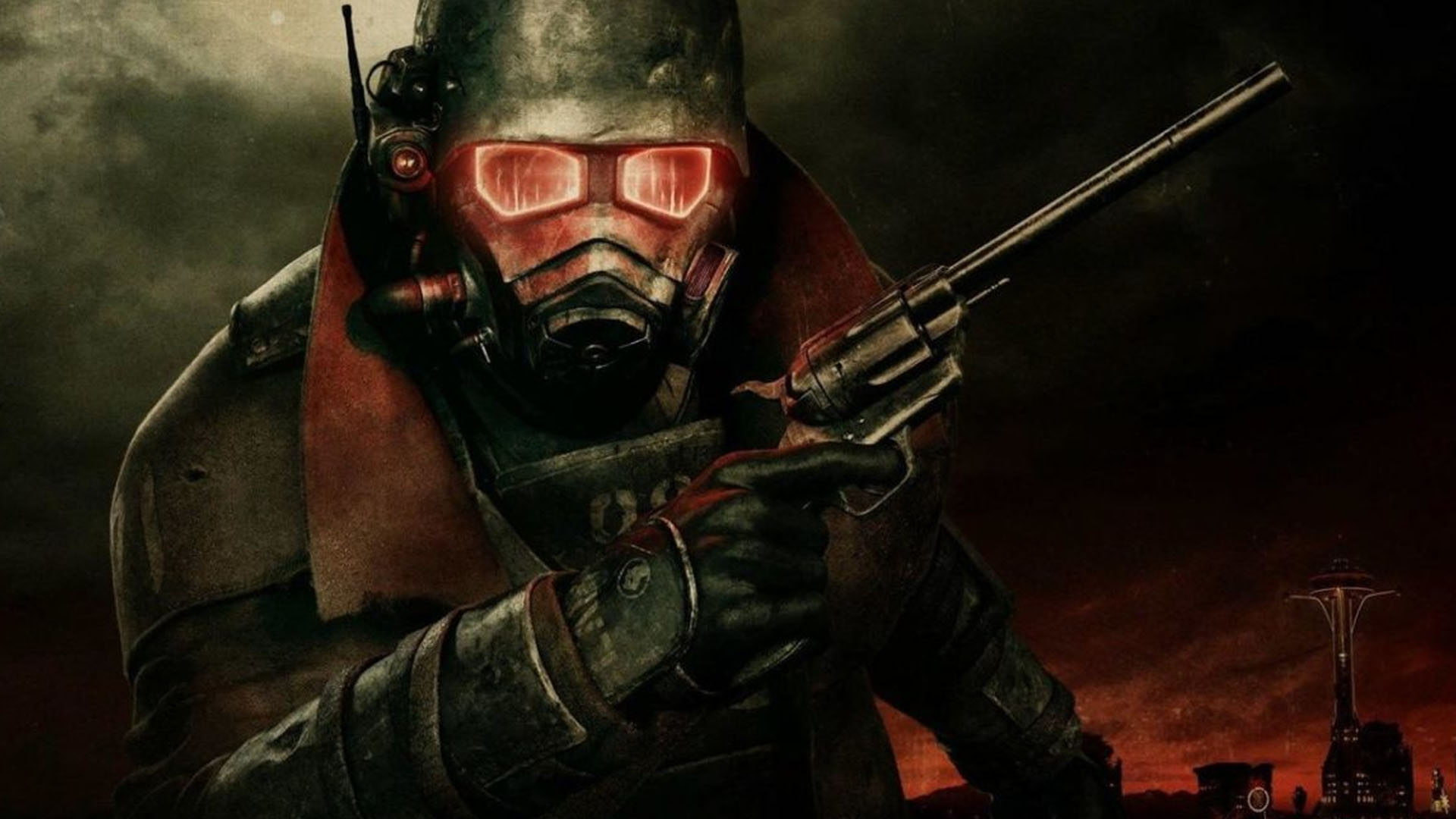
The console commands for Fallout New Vegas have contributed to the game’s longevity, as the game is still quite popular on PC despite its release in 2010. While Bethesda worked on projects like Skyrim, the game’s development was outsourced to Obsidian. Despite this, the Courier’s journey through the Mojave Wasteland is one of the most well-known Fallout adventures.
Console commands allow gamers to customise their gaming experience, acting as cheats in some circumstances and quick remedies in others. Players must hit the backquote key (‘) or () to open the console. The key for these two symbols is the same.
The best console commands for Fallout New Vegas
Here’s a rundown of all the most helpful console commands, along with an explanation of what they do:
| Code | Effect |
| tgm | God mode code. Provides Infinite health, encumbrance, and infinite ammo. |
| tdm | Demigod mode code. Just infinite health and encumbrance. |
| tfc | Toggles free camera. |
| tm | Toggles UI and menus on and off. |
| tcl | No clipping mode, allows player to phase through the environment. |
| tmm 1 | Adds all map markers. |
| tmm o | Removes all map markets |
| Killall | All NPCs, enemies and animals nearby are killed. |
| set timescale to <#> | Speeds up or slows down in-game time. Put this to 30 to reset to default. |
Spawn In-game characters/items
The console commands in Fallout New Vegas can also be used to spawn monsters and goods. The only snag is that you’ll need to know that item’s or enemy’s unique ID. The good news is that you can find all of your IDs right here. Bring up the console and type: player to use each code.
To use each code, bring up the console and type: player.additem followed by a space, the ID, another space then the quantity. It should look something like this:
For example: player.additem 0013BF53 1
You’d be the proud owner of the evil Caesar’s armour if you typed the above into the console. You can remove an item from your inventory by typing: player.removeitem <code_id> <quantity>
Armor codes
| Armor | Code |
| Brotherhood T-45b power armour | 00075201 |
| T45d power armour | 00014e13 |
| Combat armour (reinforced) | 00126500 |
| NCR Ranger combat armour | 00129254 |
| Stealth Suit Mk II | xx00c12f |
| Advanced Radiation suit | 0003307a |
Weapon codes
| Weapon | Code |
| Lucky revolver | 000e2c86 |
| Mysterious Magnum | 00127c6c |
| Li’l Devil pistol | xx000805 |
| Anti-materiel Rifle | 0008f21c |
| Assault Carbine (GRA) | 0008f21e |
| Christine’s CoS silencer rifle | xx0112ba |
| Silenced .22 SMG | 0008f218 |
| Sturdy Caravan Shotgun | 001735e3 |
| Minigun | 0000433f |
| Alien blaster | 00004322 |
| Euclid’s C-Finder | 0014eb3c |
| Pew Pew laser rifle | 00103b1d |
| Flamer | 0000432d |
| Plasma caster | 000906cf |
| Tesla cannon | 000e2bec |
| Fat Man | 0000432c |
| Mercy | 0015fff4 |
| Missile Launcher | 00004340 |
| Chainsaw | 0015fe44 |
| Power Fist | 00004347 |
Console commands that change the player
| Code | Effect |
| setscale <scale> | 1 is the default number. The higher the number, the bigger you’ll become. If you put anything like -1 you’ll shrink your character. |
| setlevel X | Put whichever level you’d like to be in the X. |
| rewardxp 15000 | Gives 15,000 XP. |
| sexchange | Changes your character’s gender. |
| showracemenu | Change your character’s race. |
| showbarbermenu | Change your character’s hairstyle. |
| shownamemenu | Change your character’s name. |
| addperk <code _id> | Add a perk. Replace the <code_id> with the ID of the perk you fancy. |
| removeperk <code_id> | Take a perk away. |
| setav speedmult X | The X is your character’s speed. 100 is default speed, go as fast or slow as you desire. |
Fallout New Vega NPC Console commands
This functions similarly to item console commands, but only for NPC characters.
| Code | Effect |
| resurrect | Brings an NPC back to life. This won’t impact with quest completion, that character will stay canonically dead. But they’ll be moving around the world as normal. |
| tdetect | Toggles an NPC ability to detect the player on or off. detection off or on. |
| addtofaction <factionID> <0/1> | By using the below codes you can add an NPC to a particular faction. Type 1 if you want them to be allies with said faction or 0 to remove their allegiance. |
Fallout New Vegas faction reputation codes
The following codes can help you gain renown or notoriety among the various factions in the game. Essentially, this will enable you to make people admire you – or want to shoot you on sight.
addreputation <code_ID> <0/1 to add infamy/reputation> <amount> — Replace the <code_ID> with a code from the below list.
The number 1 enhances reputation with the faction, whereas the number 0 increases infamy. Then keep adding 5s until you have a total of 100 reputation/infamy. For example: addreputation 0011e662 1 5 — adds 5 to your Brotherhood of Steel reputation, increasing your friendship with them.
Below are all the faction codes:
| Faction | Code |
| Boomers | 000ffae8 |
| Brotherhood of Steel | 0011e662 |
| Caesar’s Legion | 000f43dd |
| Followers of the Apocalypse | 00124ad1 |
| Great Khans | 0011989b |
| Powder Gangers | 001558e6 |
| NCR | 000f43de |
| White Glove Society | 00116f16 |
removereputation <code_ID> <0/1 to set infamy/reputation> <amount> — To do the same thing but in reverse.
For example: addtofaction 0011e662 1 — Adds the targeted NPC to the ranks of the Brotherhood of Steel or makes them friendly with that faction.
| Faction | Code |
| Player’s faction | 1b2a4 |
| Boomers | 000ffae8 |
| Brotherhood of Steel | 0011e662 |
| Casar’s Legion | 000f43dd |
| Followers of the Apocalypse | 00124ad1 |
| Great Khans | 0011989b |
| Powder Gangers | 001558e6 |
| NCR | 000f43de |
| White Glove Society | 00116f1 |
Other useful codes
| Code | Effect |
| removefromfaction <factionID> | Once again, does the same thing in reverse. This removes the NPC from the faction code. |
| tcai | This stands for ‘toggle combat AI’, making that faction docile and unable to fight the player or anyone else. |
| tai | Toggle the targeted NPC’s AI off completely. |
| tmm | Type either 1 or 0 to show or hide discovered map markers. |
| tfow | Toggle fog of war on or off. |
| movetoqt | Skips the quest target you’re on and moves you to next phase. |
