

Close Menu
The West News
  • Home
  • News
  • Entertainment
  • Money
  • Local
    • Los Angeles
  • World News
Facebook X (Twitter) Instagram
The West News
  • Home
  • News
  • Entertainment
  • Money
  • Local
    • Los Angeles
  • World News
Facebook X (Twitter) Instagram
The West News
Home » Vampire The Masquerade – Bloodhunt: How To Do Crossplay?
News

Vampire The Masquerade – Bloodhunt: How To Do Crossplay?

Aaron KohnBy Aaron KohnMay 5, 20222 Mins Read
Facebook Twitter Pinterest LinkedIn Tumblr Email
Vampire The Masquerade - Bloodhunt: How To Do Crossplay?
Share
Facebook Twitter LinkedIn Pinterest Email

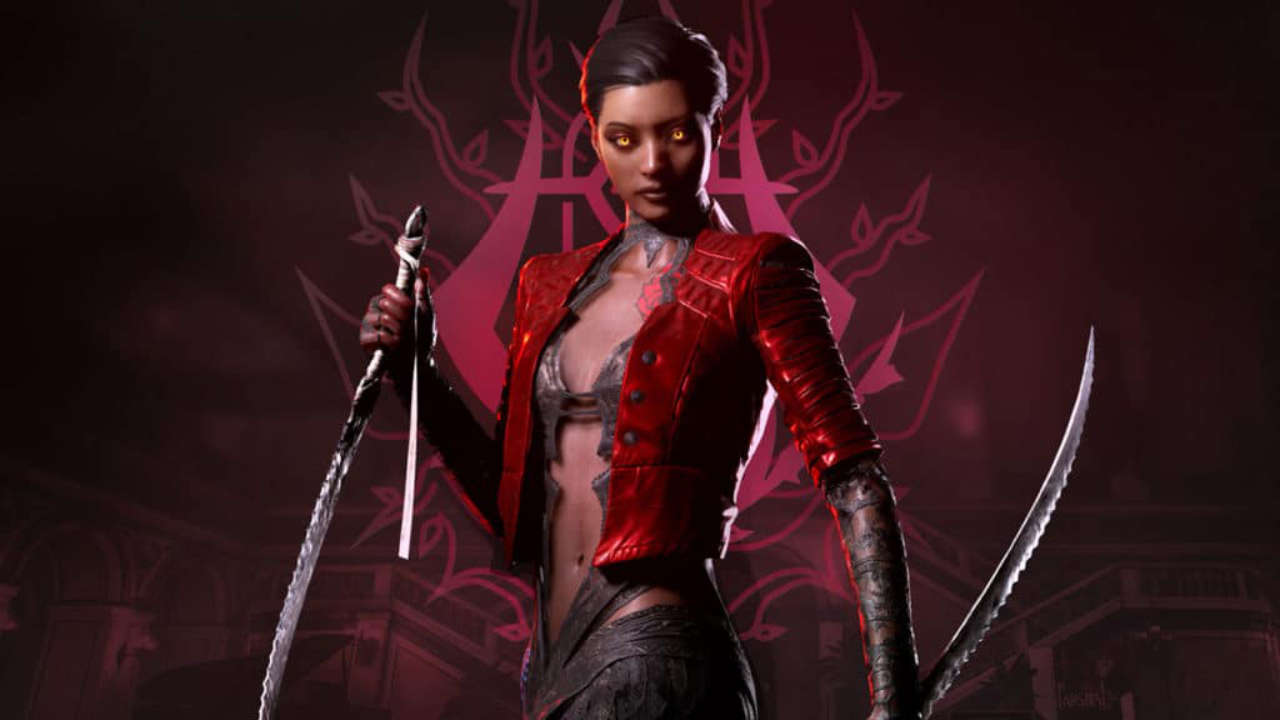
Welcome to our guide “Vampire The Masquerade – Bloodhunt: How To Do Crossplay?”. We finally got our hands on the entire version of Vampire The Masquerade Bloodhunt. But can buddies on PS5 & PC join forces? Detailed info on Vampire The Masquerade: Bloodhunt crossplay is here.
Vampire The Masquerade - Bloodhunt: How To Do Crossplay?

Does Vampire The Masquerade – Bloodhunt support Crossplay?

Yes, Bloodhunt supports cross-platform play, allowing players from both PS5 and PC to join the same matches. But there’s a big catch. While both platforms can have bloodsuckers in the lobby, only the players on the same platform are allowed enter the same squad. Pre-game lobbies in Bloodhunt are platform-specific, meaning you ‘ll have to be lucky to meet someone with different hardware. So groups divided by a platform can only play versus one another as well as not join a team. Console gamers wanting to team up with PC friends will be upset, as developer Sharkmob has yet to clarify if a support would arrive later.

How to do crossplay?

On PC, crossplay is activated by default and cannot be disabled. So every game will have both PC & PS5 players. On the PlayStation 5, players can disable crossplay to stay “complied to the technical standards & requirements”. To activate or stop crossplay within Bloodhunt, just go to your Options Menu and change the setting. Notably, the creators have warned about avoiding messing with the settings. As stated on the official site, “Disabling crossplay may result in slower matchmaking times”.  So we strongly advise you to play having crossplay enabled”.

Please leave a comment below! We post fresh content daily and if there is something specific that you would like us to cover then please do let us know all about it. Stay tuned for more such articles and guides related to all your favorite and exciting games. Your thoughts and opinions matter the most to us as they help us to serve you better.

Guide News
Share. Facebook Twitter Pinterest LinkedIn Tumblr Email
Aaron
Aaron Kohn
  • Website

Aaron writes guides and news related to the games at TheWestNews.com. Apart from his passion for writing and playing games he's exploring new places around the globe.

Related Posts

Trump Slams Grammys and Threatens Lawsuit Over Trevor Noah Joke

February 4, 2026

GTA 6 Marketing Begins This Summer as Take-Two Reaffirms November Release

February 4, 2026

Fallout Season 2 Finale Review: The House Mostly Wins

February 4, 2026
Advertisement

I Didn’t Change My Spending I Just Started Getting Free Flights and Hotels

December 15, 2025

I Thought My Points Were Worth $600 — Then I Booked a $6,200 Flight

December 15, 2025

The 5-Step Blueprint to Booking Your First $10,000 Flight for $50

December 15, 2025

Current Marriott Bonvoy Card Offers: What You Can Earn Right Now

November 23, 2025

Trump Slams Grammys and Threatens Lawsuit Over Trevor Noah Joke

February 4, 2026

Fallout Season 2 Finale Review: The House Mostly Wins

February 4, 2026

Steal Review: Prime Video’s Twisty Heist Thriller Powered by Sophie Turner

February 4, 2026

Disney Plus Schedule November 24-30, 2025: Chris Hemsworth Documentary and Beatles Anthology Arrive

November 23, 2025
Facebook X (Twitter) Instagram Pinterest
  • About Us
  • Contact
  • Disclaimer
  • Privacy Policy
  • Sitemap
  • Affiliate Disclosure
  • Terms
© 2026 TheWestNews.

Type above and press Enter to search. Press Esc to cancel.