

Close Menu
The West News
  • Home
  • News
  • Entertainment
  • Money
  • Local
    • Los Angeles
  • World News
Facebook X (Twitter) Instagram
The West News
  • Home
  • News
  • Entertainment
  • Money
  • Local
    • Los Angeles
  • World News
Facebook X (Twitter) Instagram
The West News
Home » Ni No Kuni: Cross Worlds-How To Turn Off Auto Battle & Auto Run?
News

Ni No Kuni: Cross Worlds-How To Turn Off Auto Battle & Auto Run?

Aaron KohnBy Aaron KohnMay 31, 20222 Mins Read
Facebook Twitter Pinterest LinkedIn Tumblr Email
Ni No Kuni: Cross Worlds-How To Turn Off Auto Battle & Auto Run?
Share
Facebook Twitter LinkedIn Pinterest Email

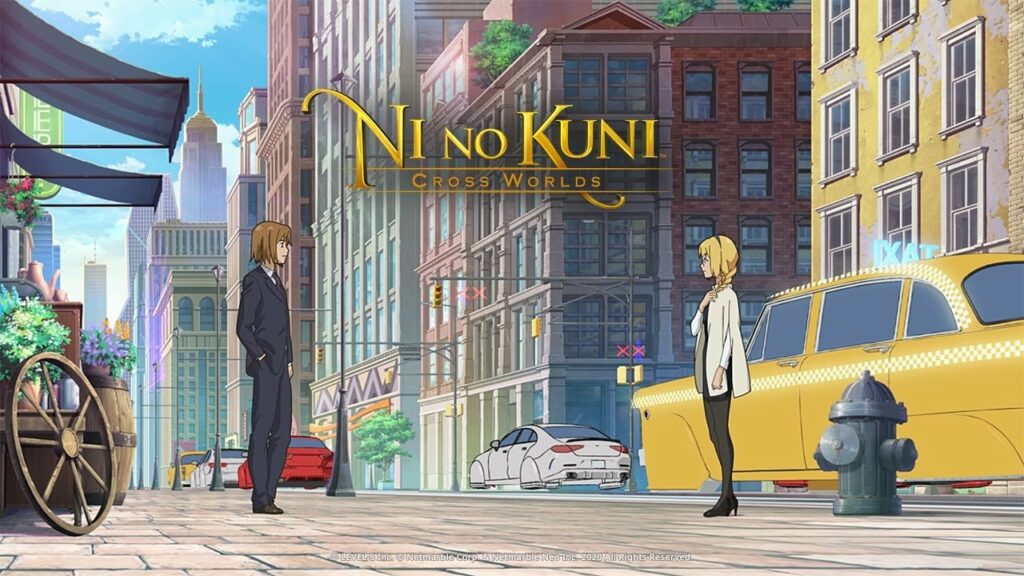
Ni no Kuni: Cross Worlds is very different from previous Ni no Kuni games. The option to play automatically with their character is one of its new features that adds a little bit extra for gamers.

Because this is not something that every player would enjoy, remember that you may disable the auto-battle option in the game. In Ni no Kuni: Cross Worlds, the following instruction will teach you how.
Ni No Kuni: Cross Worlds-How To Turn Off Auto Battle & Auto Run?

In Ni no Kuni: Cross Worlds, how do you disable auto-battle?

There’s no need to quit a combat or restart the game. During a real-time combat, you may disable the auto–battle option.

During combat, just look for an icon with two crossed swords at the bottom of the screen. The emblem will appear beside the list of Familiars. Simply click that symbol to enable or disable the auto-battle option, allowing you to direct the battlefield or leave it to the AI.

However, keep in mind that clicking on the symbol for the first time will activate auto-battle and allow your character to fight for themselves. If you click the symbol a second time, the feature will be turned to semi-auto. Your character will continue to attack automatically in this condition, but will no longer be able to perform any abilities. To completely deactivate Ni no Kuni: Cross Worlds‘ auto–battle mechanisms, you must press the symbol a third time.

How to Disable Auto Play in Ni no Kuni: Cross Worlds

On the left side of the screen, there will be a list of missions. These are the missions you may pursue. When you choose a task, your character will immediately proceed to the next area or NPC to complete that quest.

Enabling the auto–play option might be beneficial if your hands are tied. If you wish to turn off the auto–play feature at any time, just click on the task again. This will force your character to pause, expecting additional directions from you.

Guide News
Share. Facebook Twitter Pinterest LinkedIn Tumblr Email
Aaron
Aaron Kohn
  • Website

Aaron writes guides and news related to the games at TheWestNews.com. Apart from his passion for writing and playing games he's exploring new places around the globe.

Related Posts

Avengers: Doomsday Reportedly Runs Close To Four Hours Including Post-Credit Scenes

May 1, 2026

Spider-Man: Brand New Day Reveals Opening Scene, New Suit, and Key Details

April 29, 2026

Citi Rewards Credit Card (2025) — 4 mpd Online, Caps, MCCs, Fees, Transfers, Amaze

April 19, 2026
Advertisement

Citi Rewards Credit Card (2025) — 4 mpd Online, Caps, MCCs, Fees, Transfers, Amaze

April 19, 2026

UOB Preferred Platinum Visa: Bonus Cap Split From October 2025

April 17, 2026

Singapore Airlines Adds Access Awards with Dynamic Pricing

April 17, 2026

UOB Visa Signature Card Review

April 17, 2026

Avengers: Doomsday Reportedly Runs Close To Four Hours Including Post-Credit Scenes

May 1, 2026

Spider-Man: Brand New Day Reveals Opening Scene, New Suit, and Key Details

April 29, 2026

Best Netflix Shows & Movies Coming in 2026 to Add to Your Watchlist

April 15, 2026

Trump Slams Grammys and Threatens Lawsuit Over Trevor Noah Joke

February 4, 2026
Facebook X (Twitter) Instagram Pinterest
  • About Us
  • Contact
  • Disclaimer
  • Privacy Policy
  • Sitemap
  • Affiliate Disclosure
  • Terms
© 2026 TheWestNews.

Type above and press Enter to search. Press Esc to cancel.