

Close Menu
The West News
  • Home
  • News
  • Entertainment
  • Money
  • Local
    • Los Angeles
  • World News
Facebook X (Twitter) Instagram
The West News
  • Home
  • News
  • Entertainment
  • Money
  • Local
    • Los Angeles
  • World News
Facebook X (Twitter) Instagram
The West News
Home » Halo Infinite: How To Fix Error Codes?
News

Halo Infinite: How To Fix Error Codes?

Aaron KohnBy Aaron KohnApril 14, 20222 Mins Read
Facebook Twitter Pinterest LinkedIn Tumblr Email
Halo Infinite: How To Fix Error Codes?
Share
Facebook Twitter LinkedIn Pinterest Email

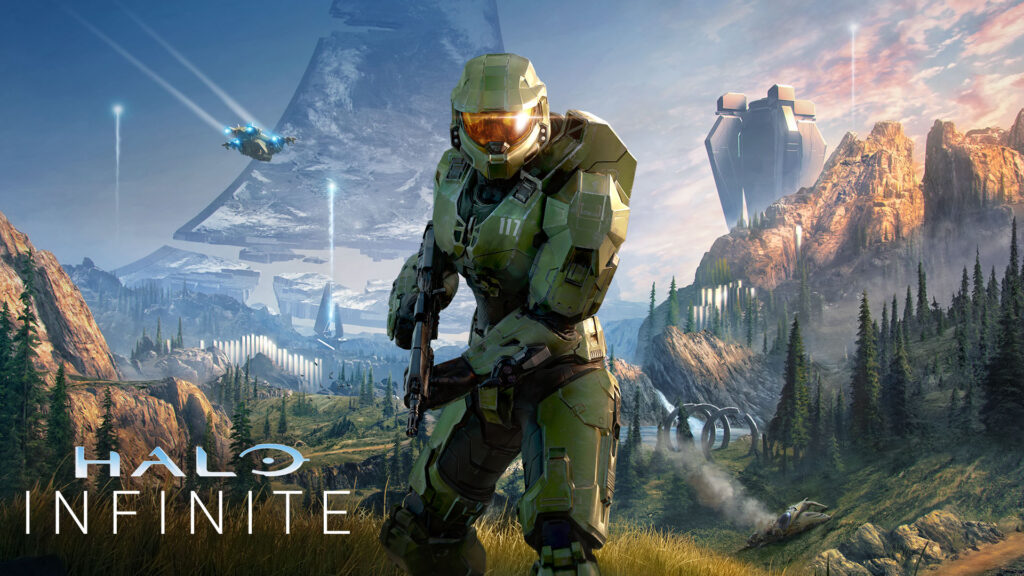
Welcome to our guide of “Halo Infinite: How To Fix Error Codes?”. Error codes & glitches in Halo Infinite are never fun to cope with. Although they’re not prevalent, they may be a hassle, so having solutions on hand is always a good idea. So, here are some of the fixes to error codes.
Halo Infinite: How To Fix Error Codes?

How to fix error code 0x80070424 in Halo Infinite?

This one appears to be primarily affecting PC gamers, and there appears to be a problem with the game’s installation using the Xbox Apps or something similar, from what we can tell. It’s unclear what went wrong here, however the most effective technique, as far as we can tell, is to accomplish the following:

⦁ Ensure that all necessary apps, even those you use to launch them, are updated to the most recent build through the Microsoft Store.
⦁ If you’re still having trouble, right-click on them on the Start Menu & select Terminate, Repair, or Reset.
⦁ Then, look for the Powershell app and run it as administrator, then type the following command: “Get-AppxPackage -AllUsers| Foreach {Add-AppxPackage -DisableDevelopmentMode -Register “$($_.InstallLocation)\AppXManifest.xml”}”.
⦁ Reinstall Halo Infinite if necessary.

If it doesn’t help, the only other option is to call Microsoft customer service and obtain their opinion on the matter. In fact, if any of these changes don’t work right away, that’s an excellent backup plan.

How to fix error code 0x00000001?

Another issue hindering game installation, this one affects all Xbox games downloaded on PC. In this instance, trying to open the game normally redirects you over to Gaming Services page in the Microsoft Store. This one is easier and usually indicates you need to upgrade Gaming Services, Xbox Apps, or also your Windows OS. Recheck that they are all up to date and try again.

So, this was our guide “Halo Infinite: How To Fix Error Codes?”. Feel free to leave a comment below!

Guide News
Share. Facebook Twitter Pinterest LinkedIn Tumblr Email
Aaron
Aaron Kohn
  • Website

Aaron writes guides and news related to the games at TheWestNews.com. Apart from his passion for writing and playing games he's exploring new places around the globe.

Related Posts

Trump Slams Grammys and Threatens Lawsuit Over Trevor Noah Joke

February 4, 2026

GTA 6 Marketing Begins This Summer as Take-Two Reaffirms November Release

February 4, 2026

Fallout Season 2 Finale Review: The House Mostly Wins

February 4, 2026
Advertisement

I Didn’t Change My Spending I Just Started Getting Free Flights and Hotels

December 15, 2025

I Thought My Points Were Worth $600 — Then I Booked a $6,200 Flight

December 15, 2025

The 5-Step Blueprint to Booking Your First $10,000 Flight for $50

December 15, 2025

Current Marriott Bonvoy Card Offers: What You Can Earn Right Now

November 23, 2025

Trump Slams Grammys and Threatens Lawsuit Over Trevor Noah Joke

February 4, 2026

Fallout Season 2 Finale Review: The House Mostly Wins

February 4, 2026

Steal Review: Prime Video’s Twisty Heist Thriller Powered by Sophie Turner

February 4, 2026

Disney Plus Schedule November 24-30, 2025: Chris Hemsworth Documentary and Beatles Anthology Arrive

November 23, 2025
Facebook X (Twitter) Instagram Pinterest
  • About Us
  • Contact
  • Disclaimer
  • Privacy Policy
  • Sitemap
  • Affiliate Disclosure
  • Terms
© 2026 TheWestNews.

Type above and press Enter to search. Press Esc to cancel.