

Close Menu
The West News
  • Home
  • News
  • Entertainment
  • Money
  • Local
    • Los Angeles
  • World News
Facebook X (Twitter) Instagram
The West News
  • Home
  • News
  • Entertainment
  • Money
  • Local
    • Los Angeles
  • World News
Facebook X (Twitter) Instagram
The West News
Home » Diablo Immortal: How Do You Fix The Keyboard Not Working Issue?
News

Diablo Immortal: How Do You Fix The Keyboard Not Working Issue?

Aaron KohnBy Aaron KohnJune 4, 20222 Mins Read
Facebook Twitter Pinterest LinkedIn Tumblr Email
Diablo Immortal: How Do You Fix The Keyboard Not Working Issue?
Share
Facebook Twitter LinkedIn Pinterest Email

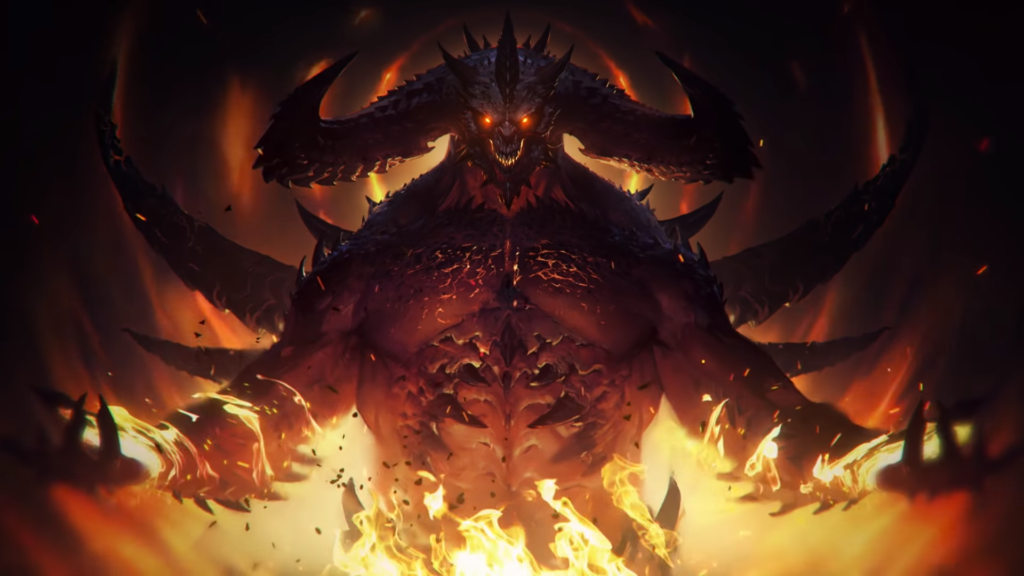
The long-awaited Diablo Immortal was launched this week, however several users claimed that their keyboard was not functioning, therefore we created a tutorial with all of the troubleshooting techniques for how to solve the keyboard not working in Diablo Immortal.
Diablo Immortal: How Do You Fix The Keyboard Not Working Issue?

How to solve the issue of keyboard not working?

There might be various causes for the keyboard not functioning. One simple remedy is to restart the game. First, shut the launcher completely. If the Keyboard is wired, unplug it and replug it. Also, if it is wireless, restart the Keyboard. Play the game while connecting the Keyboard.

The second thing to look for is if the keyboard or controller you’re using is supported by the game. Because the game is still in its early phases, they have authorized a list of keyboard and controller manufacturers that are supported in the game. The following are the items on the list:

  • Logitech Gamepad F710.
  • Nintendo Switch Controllers.
  • Sony Dualshock 4.
  • Xbox Elite Controller 2.

Other keys on the keyboard function normally for some people, but the WASD keys cease functioning. The best option is to increase the resolution of your desktop to 2560 x 1440. This is not to be confused with the game resolution, which is distinct, and altering them will have no effect.

The game may then be switched to Windowed mode. Hopefully, your keyboard is now operational. Because it is a mobile game, port difficulties are typical, but we are hoping that Blizzard will fix them soon.

Guide News
Share. Facebook Twitter Pinterest LinkedIn Tumblr Email
Aaron
Aaron Kohn
  • Website

Aaron writes guides and news related to the games at TheWestNews.com. Apart from his passion for writing and playing games he's exploring new places around the globe.

Related Posts

Trump Slams Grammys and Threatens Lawsuit Over Trevor Noah Joke

February 4, 2026

GTA 6 Marketing Begins This Summer as Take-Two Reaffirms November Release

February 4, 2026

Fallout Season 2 Finale Review: The House Mostly Wins

February 4, 2026
Advertisement

I Didn’t Change My Spending I Just Started Getting Free Flights and Hotels

December 15, 2025

I Thought My Points Were Worth $600 — Then I Booked a $6,200 Flight

December 15, 2025

The 5-Step Blueprint to Booking Your First $10,000 Flight for $50

December 15, 2025

Current Marriott Bonvoy Card Offers: What You Can Earn Right Now

November 23, 2025

Trump Slams Grammys and Threatens Lawsuit Over Trevor Noah Joke

February 4, 2026

Fallout Season 2 Finale Review: The House Mostly Wins

February 4, 2026

Steal Review: Prime Video’s Twisty Heist Thriller Powered by Sophie Turner

February 4, 2026

Disney Plus Schedule November 24-30, 2025: Chris Hemsworth Documentary and Beatles Anthology Arrive

November 23, 2025
Facebook X (Twitter) Instagram Pinterest
  • About Us
  • Contact
  • Disclaimer
  • Privacy Policy
  • Sitemap
  • Affiliate Disclosure
  • Terms
© 2026 TheWestNews.

Type above and press Enter to search. Press Esc to cancel.