


Video gaming is an exciting industry, and you will engage in thrilling activities that will make your experience even better. However, before you decide to jump in, you need to ensure that you find the right part for you so that you do not end up with a below-par experience when you start playing, whether for fun or competitively.
The type of game you choose is vital to the next step: what type of events you’ll be playing and if you should go for console or PC gaming. So, what you’re meant to do is to find the right gaming platform for you to get all the areas of the game completely. And, you will have a strong enough playing experience.
There are many guides to help you decide where to start, and like Sports news, you can even find ones that tell you what platforms are best for you. However, many people are not talking about the disparity between console gaming and PC and why you should choose one over another. This guide will give you insight into both gaming devices, and you can decide on the one that works for you.
Console Gaming Overview
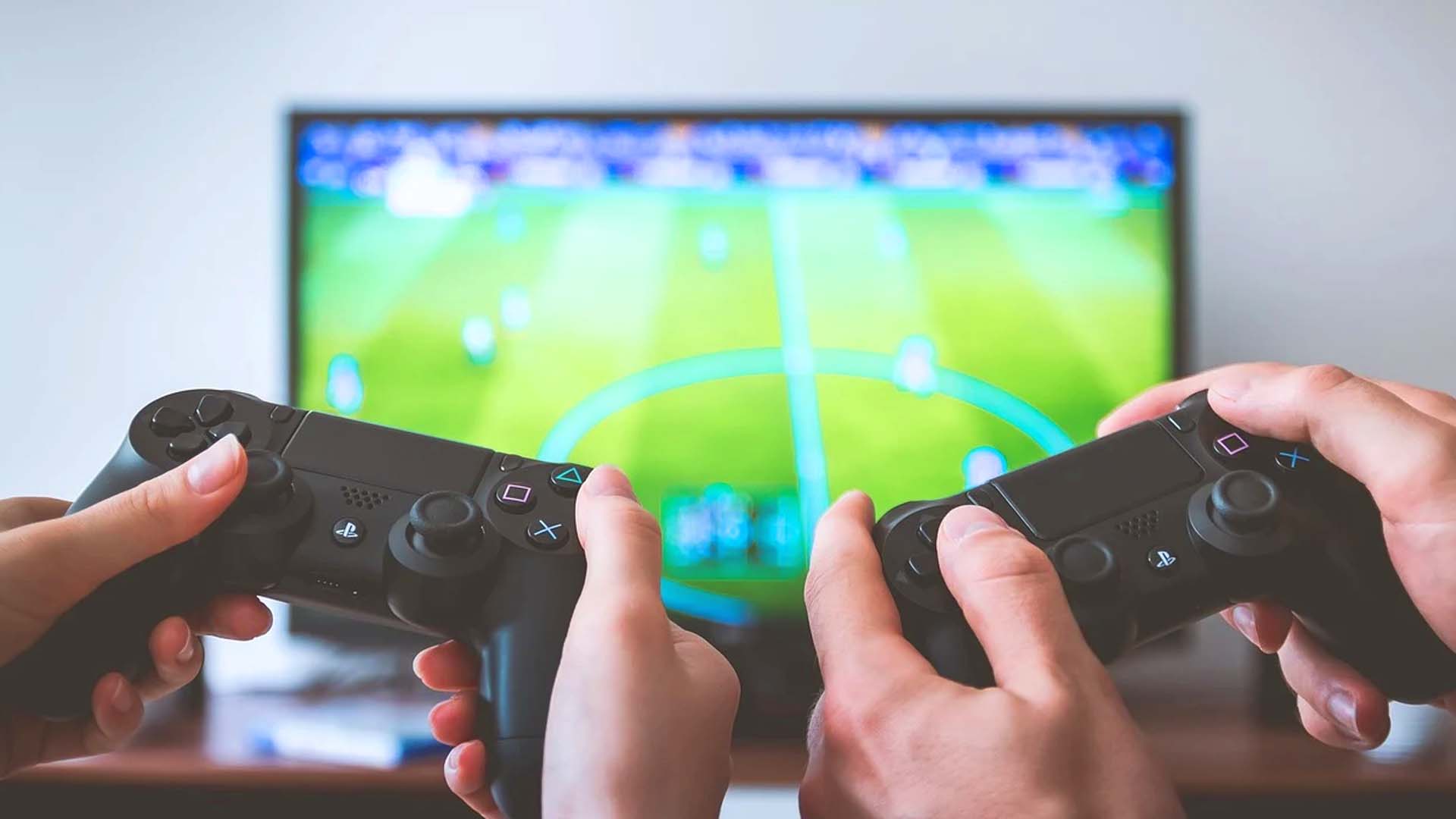
Console Gaming is one of the first kinds of video gaming activities. The popularity started in the late 70s towards 80s when arcades became very popular. We had so many games to choose from, and players could easily pick up a console and play several games. Although the graphics at the time were terrible, gaming on these consoles was exciting with the joystick and gamepad.
Console Gaming has, over the years, seen impressive growth, with most of them enjoying incredible graphical upgrades that make the playing experience even better. Nowadays, console gaming gives you an immersive experience, especially with more available VR consoles. You can check the growth of the gaming consoles to see how far we’ve come.
Pros
- High-end graphical resolution
- Immersive experience
- Better for bigger screens
- An extended list of gaming options
- Dedicated to gaming
Cons
- Setting up is expensive
- You will need to have a specific position for gaming
- Stationary gaming
- Can only play games available to the console brand
PC Gaming Overview
On the other hand, PC Gaming is almost similar to console gaming as your computer would be serving as the screen and the console. The idea is to power the game with your PC using its specifications and features, and you can either use your PC’s monitor or extend it to an external screen. It all depends on your preference and what you enjoy.
However, if you want to get anything close to console gaming, you need to have a PC with high-end specifications that can carry the load of the game. That way, it doesn’t lag or stops working when you are in the middle of the game. Not to worry; you will find games specifically for PCs. Therefore, you might not need a high-end computer to power these games.
In addition to that, many developers add the minimum requirements for computers that you can use to play the game. Once your system meets all the requirements, you can play the game without issues. And like consoles, we’ve seen PC gaming evolve from Tetris graphics to 3D high-definition graphics.
Pros
- Easy to set up and less expensive
- It doesn’t necessarily need external devices
- You can get started with ease
- It is possible to play at different locations
- It is more mobile
Cons
- Need more expensive devices to measure up
- Less access to games
- It might have limited space
Is One Better Than the Other?
In our opinion, one is not necessarily better than the other as it all depends on what you want and the type of gaming experience you are going for. If you are going for exciting gaming that you can share with family and friends, a console might be the way to go. However, if you want to engage in more online competitive gaming, you should consider PC gaming.
But before you decide, you need to consider your pocket and purchasing power. You do not want to spend money on what you don’t need, and unless you’re planning to play competitively, you don’t need a massive setup.
