

Close Menu
The West News
  • Home
  • News
  • Entertainment
  • Money
  • Local
    • Los Angeles
  • World News
Facebook X (Twitter) Instagram
The West News
  • Home
  • News
  • Entertainment
  • Money
  • Local
    • Los Angeles
  • World News
Facebook X (Twitter) Instagram
The West News
Home » Battlefield 2042 Easy Anti Cheat errors: How to fix them
Gaming

Battlefield 2042 Easy Anti Cheat errors: How to fix them

Pradeep KrishnaBy Pradeep KrishnaJuly 23, 20232 Mins Read
Facebook Twitter Pinterest LinkedIn Tumblr Email
Share
Facebook Twitter LinkedIn Pinterest Email

Battlefield 2042 Easy Anti Cheat errors: How to fix them

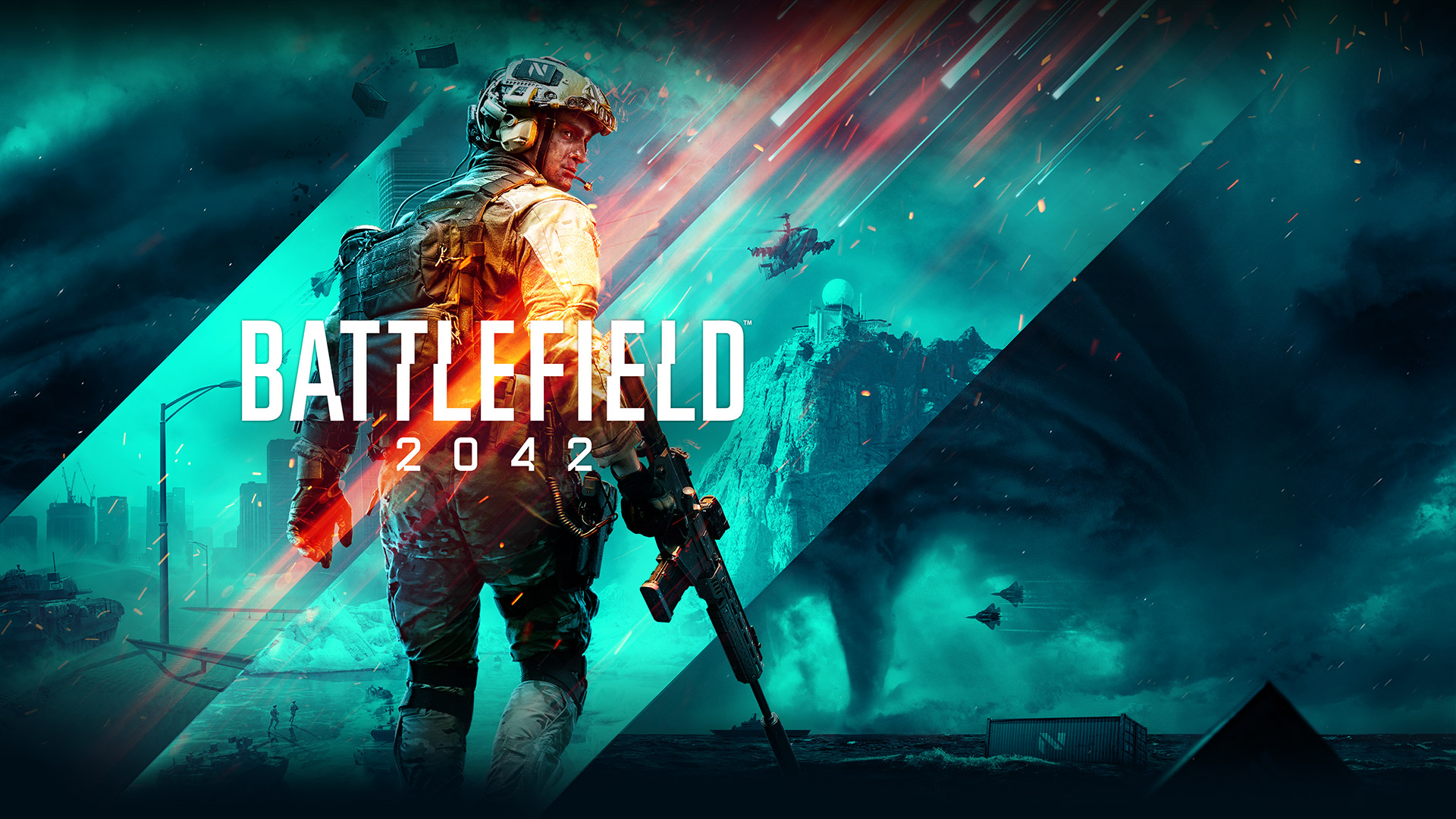
Battlefield 2042 is a recent multiplayer-only first-person shooter game developed by Dice and distributed by Electronic Arts. If you’ve come to this page, it’s because you’re bothered by more than one Battlefield 2042 bug or malfunction. No gaming franchise could have predicted that the blockbuster game they were about to release would be met with such harsh criticism due to a number of flaws in the game. Mouse Input Lag, poor optimization, settings not saving, and other difficulties are just a few examples. In this piece, we’ll look at another issue that people are encountering while attempting to play Battlefield 2042. The mistake we’re talking about isn’t a single one. They can all be grouped into one category: Simple Anti-Cheat Errors. If you’d want to learn more about how to fix Easy Anti Cheat Errors, keep reading this page.

Battlefield 2042 Easy Anti Cheat Errors: How to fix them?

Unlike the majority of Battlefield 2042 faults, this one could be caused by the players. You must take the following steps to correct this error:

Before you begin, you must first locate the main folder where BF2042 is installed on your computer. Open Steam > Right-click Battlefield 2042 > Manage > Browse Local Files to find it.

  1. Now, in the folder you have located, find the folder named Easy Anti Cheat.
  2. Inside this folder, you will see the EasyAntiCheat_setup. Right Click on this setup and select, “Run as Administrator”
  3. Now, if you have installed the Easy Anti Cheat, then you will see the option to repair this, otherwise, you will have an option to install Easy Anti Cheat. So, install or repair as it shows.

If you can’t cure the problem using the methods listed above, it’s possible that some of your game files are missing or corrupt. To correct this, run Verify Integrity of Game Files.

To double-check, go to this link: Right-click Battlefield 2042 in Steam and select Properties > Local Files > Verify Integrity of Game Files.

So, that’s how you cure Battlefield 2042’s Easy Anti-Cheat Errors. Please share this post with your friends if you find it useful.

Battlefield 2042 gaming Guides News
Share. Facebook Twitter Pinterest LinkedIn Tumblr Email
Avatar photo
Pradeep Krishna

    A digital media platform reaching readers across the United States. With operations in Mumbai and Singapore, he brings a global perspective to U.S. news and culture, focusing on accurate reporting, fresh insights, and stories that inform and inspire. A technology passionate, looking forward to sharing his insights and verdicts on the ‘Technology-driven world’ of today.

    Related Posts

    Trump Slams Grammys and Threatens Lawsuit Over Trevor Noah Joke

    February 4, 2026

    GTA 6 Marketing Begins This Summer as Take-Two Reaffirms November Release

    February 4, 2026

    Fallout Season 2 Finale Review: The House Mostly Wins

    February 4, 2026
    Advertisement

    I Didn’t Change My Spending I Just Started Getting Free Flights and Hotels

    December 15, 2025

    I Thought My Points Were Worth $600 — Then I Booked a $6,200 Flight

    December 15, 2025

    The 5-Step Blueprint to Booking Your First $10,000 Flight for $50

    December 15, 2025

    Current Marriott Bonvoy Card Offers: What You Can Earn Right Now

    November 23, 2025

    Trump Slams Grammys and Threatens Lawsuit Over Trevor Noah Joke

    February 4, 2026

    Fallout Season 2 Finale Review: The House Mostly Wins

    February 4, 2026

    Steal Review: Prime Video’s Twisty Heist Thriller Powered by Sophie Turner

    February 4, 2026

    Disney Plus Schedule November 24-30, 2025: Chris Hemsworth Documentary and Beatles Anthology Arrive

    November 23, 2025
    Facebook X (Twitter) Instagram Pinterest
    • About Us
    • Contact
    • Disclaimer
    • Privacy Policy
    • Sitemap
    • Affiliate Disclosure
    • Terms
    © 2026 TheWestNews.

    Type above and press Enter to search. Press Esc to cancel.