


The Cycle: Frontier is still dealing with a few outstanding technical difficulties. Over the last few days, gamers have brought to the attention of the developer Yager this issue. Especially after a number of bugs and problems that they have seen while playing the game. Yager has recognized that many of these issues will be addressed in subsequent updates.
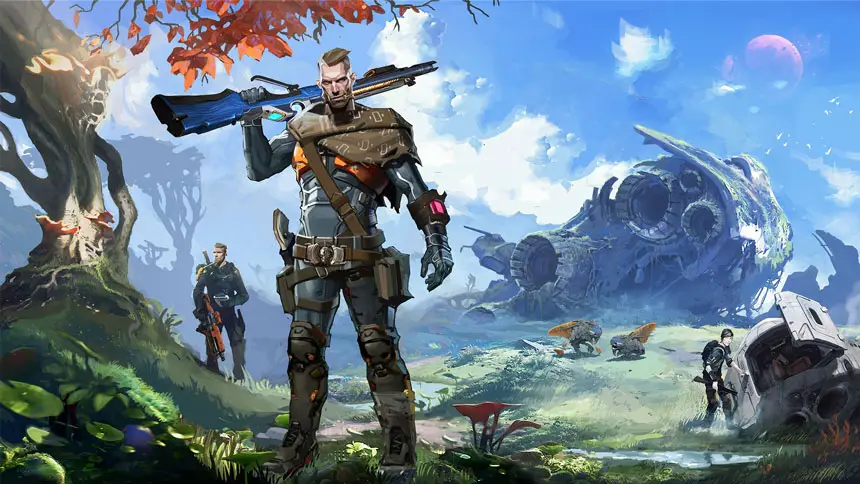
If you have not moved from your seat since The Cycle: Frontier was published. There is a good probability that you have experienced a matchmaking issue when competing in one of the game’s modes. You will be relieved to know that there is a workaround that can be used. So that you may continue playing without being required to wait for the error notice to disappear.
Fixing the mistake that occurs during the matching process in The Cycle: Frontier may be done with the aid of the following instruction.
A Solution to the Frontier Matchmaking Error
When you are waiting in line for a match, the matchmaking error will appear on your screen. It will remove you from the matchmaking queue and return you to the lobby once it has done so.
Attempting to establish a connection with a different server. This is the first step that should probably be taken to fix the issue. It is possible that the server you are attempting to join is experiencing technical difficulties at this time.
Try restarting the game and clicking “Deploy” many times until you are able to connect to the server. If that doesn’t work, you can try anything else. After a few instances of the matchmaking problem, some players have reported being able to rejoin the same server. This may seem pointless, but it has happened. There is probably something wrong with the server itself.
In addition to that, you might also give playing on a different map a go. Some players have been able to resolve their matching issues. They have done this by switching to a different map for a short period of time before rejoining the server they were previously using. However, there is a cautionary story that should be considered before using this technique. It’s possible that you’ll be forced to play on a more challenging battlefield with high-level foes that are far more powerful and better equipped than you are.
Last but not least, if none of the aforementioned remedies are successful in fixing the matchmaking problem, it is possible that the issue is due to a widespread server outage. You will have no choice but to wait for the servers to either finish their maintenance period or recover from whatever ails them before you can take any action other than waiting for them.
