

Close Menu
The West News
  • Home
  • News
  • Entertainment
  • Gaming
  • Money
  • Local
    • Los Angeles
Facebook X (Twitter) Instagram
The West News
  • Home
  • News
  • Entertainment
  • Gaming
  • Money
  • Local
    • Los Angeles
Facebook X (Twitter) Instagram
The West News
Home » The Cycle: Frontier-How Do You Fix The Server Offline Error?
News

The Cycle: Frontier-How Do You Fix The Server Offline Error?

Aaron KohnBy Aaron KohnJune 14, 20222 Mins Read
Facebook Twitter Pinterest LinkedIn Tumblr Email
Share
Facebook Twitter LinkedIn Pinterest Email

The Cycle: Frontier, a fast-paced competitive shooter, has a few server problems that are known about and which should have been resolved when the game was in its closed beta testing phase. The fact that, when starting the game, players are presented with an error message that reads “Server Offline,” despite the fact that the servers themselves are not now offline, has caused gamers to scratch their brains.
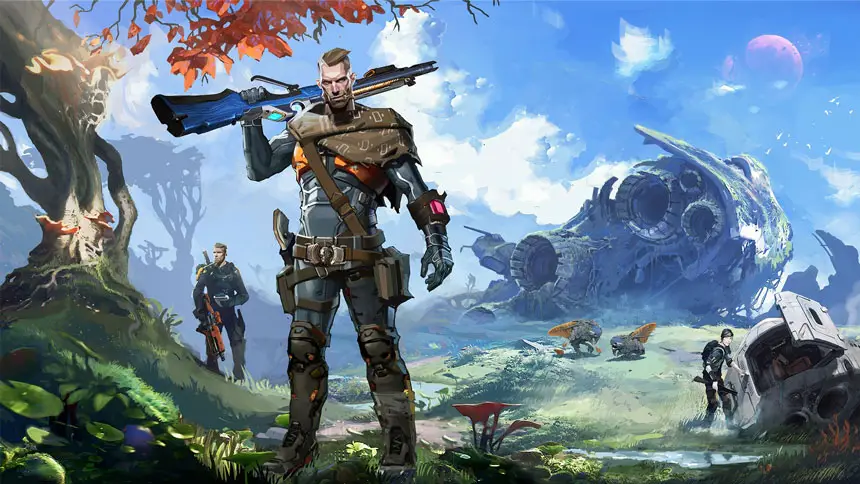
The Cycle: Frontier-How Do You Fix The Server Offline Error?

Thankfully, there is a solution that will put an end to the issue for good. In The Cycle: Frontier, the following instruction will walk you through the steps necessary to get rid of the Server Offline problem notice.

How to fix the Server Offline Error?

It is important to note that the “Server Offline” error message is shown to players the vast majority of the time when they are starting The Cycle: Frontier for the very first time. To correct this problem, you will need to make certain adjustments to the Steam client.

To get started, close the game and launch the Steam client on your computer. Proceed to the Settings menu by clicking the Steam tab that has dropped down into the top-left area of the window.

You will need to alter the Beta Participation setting in the Account window, which will appear automatically every time you enter Settings. The setting must be changed to None. By doing this, your Steam account will be removed from participation in any beta programs.

After you have finished, you will need to restart Steam for the changes to take effect. Launch The Cycle: Frontier, and this time you shouldn’t get an error notice saying that the server is down when you start the game.

On the other hand, if you continue to get the error, it’s possible that the servers themselves are down. If you follow the official Twitter account for the game, you will be able to validate the status of your server.

Guide News
Share. Facebook Twitter Pinterest LinkedIn Tumblr Email
Aaron
Aaron Kohn
  • Website

Aaron writes guides and news related to the games at TheWestNews.com. Apart from his passion for writing and playing games he's exploring new places around the globe.

Related Posts

Best 0% APR Credit Cards of June 2026

June 14, 2026

The Seven Deadly Sins Origin Codes (June 2026): Free Draw Tickets, Gold, and More Rewards

June 12, 2026

Obsession Sets New Box Office Record, Becomes Highest-Grossing Festival Acquisition Ever

June 9, 2026
Advertisement

Best 0% APR Credit Cards of June 2026

June 14, 2026

Best Bad Credit Loans of May 2026: Compare Rates, Lenders, And Risks

May 13, 2026

Soft2Bet Professional Growth and Work Environment

May 11, 2026

Capital One Platinum Secured Credit Card Review (2026)

May 7, 2026

Obsession Sets New Box Office Record, Becomes Highest-Grossing Festival Acquisition Ever

June 9, 2026

Who Is Penny Lane? British Model’s Black Swimsuit Walk At Miami Swim Week Goes Viral

June 4, 2026

Obsession’ Earns More in Third Weekend Than It Did in Its First Two Box Office Weekends

June 4, 2026

Avengers: Doomsday Reportedly Runs Close To Four Hours Including Post-Credit Scenes

May 1, 2026
Facebook X (Twitter) Instagram Pinterest
  • About Us
  • Contact
  • Disclaimer
  • Privacy Policy
  • Sitemap
  • Affiliate Disclosure
  • Terms
  • Careers
  • Write for Us
© 2026 TheWestNews.

Type above and press Enter to search. Press Esc to cancel.

Ad Blocker Enabled!
Ad Blocker Enabled!
Our website is made possible by displaying online advertisements to our visitors. Please support us by disabling your Ad Blocker.
✕