

Close Menu
The West News
  • Home
  • News
  • Entertainment
  • Money
  • Local
    • Los Angeles
  • World News
Facebook X (Twitter) Instagram
The West News
  • Home
  • News
  • Entertainment
  • Money
  • Local
    • Los Angeles
  • World News
Facebook X (Twitter) Instagram
The West News
Home » PS5: How To Move PS4 Games Into PS5?
News

PS5: How To Move PS4 Games Into PS5?

Aaron KohnBy Aaron KohnMay 10, 20222 Mins Read
Facebook Twitter Pinterest LinkedIn Tumblr Email
PS5: How To Move PS4 Games Into PS5?
Share
Facebook Twitter LinkedIn Pinterest Email

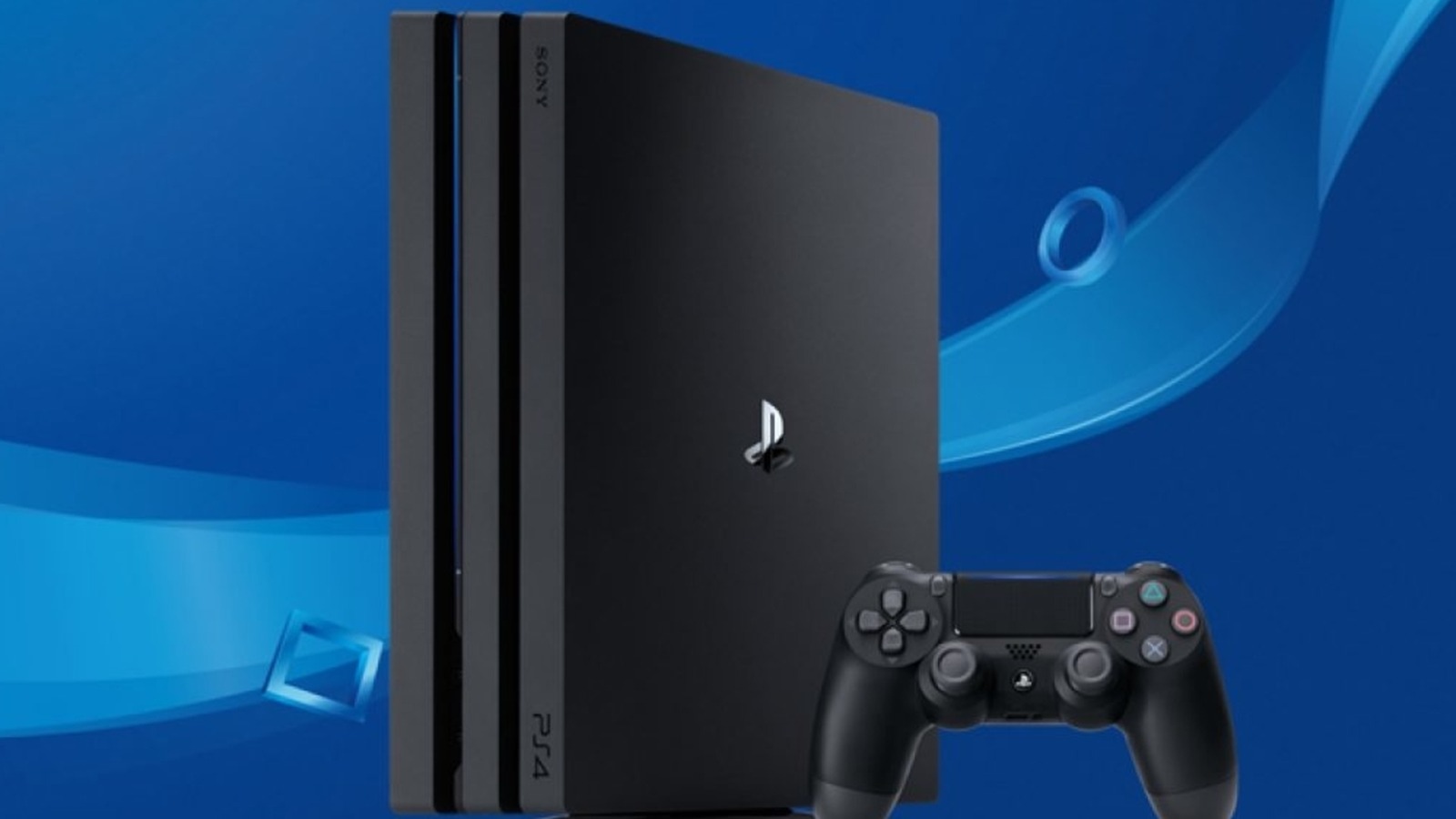
Welcome to our guide “PS5: How To Move PS4 Games Into PS5?”. Transferring PS4 games into PS5 isn’t as hard as you might think, this means that people upgrading from one platform to another may do so with minimal pain and risk. There’s the option of using an external hard drive, a Wi-Fi transfer, or using a disc if you prefer using physical media. We’ll go through the three best choices so you can start moving and playing.

PS5: How To Move PS4 Games Into PS5?

Using external hard drive

The simplest and fastest way to move your PS4 games into PS5 is using your external hard drive. To play games installed on the PS4 external hard drive, just detach it from your PS4 and insert it into your PS5. No need to convert or reformat, just experience PS5 backwards compatibility. If you can, transfer as many files as you want from your PS4 to any external hard drive prior to actually shutting it off.

Using Wi-Fi transfer

You can utilize a unique WiFi transfer method alternatively, to move games loaded on your internal hard drive. To do so, go to: Settings ->System ->System Software ->Data Transfer. Then simply follow the on-screen steps. Both your PS5 & PS4 must be switched on and linked to the internet through Wi-Fi or LAN. After connecting, you may choose to move all games from PS4 to PS5 or just those you wish to. Then you only have to wait for the transfer.

Using a disc

If you get a PS4 game in a disc, simply insert it into your PS5 and play. Your install as well as update data will not carry over in this situation, so if you’re hoping to continue from where you left off in the game, you’ll need to take a back up & re-download your saved data.

So, this was our guide “PS5: How To Move PS4 Games Into PS5?”. Please leave a comment below!

gaming News
Share. Facebook Twitter Pinterest LinkedIn Tumblr Email
Aaron
Aaron Kohn
  • Website

Aaron writes guides and news related to the games at TheWestNews.com. Apart from his passion for writing and playing games he's exploring new places around the globe.

Related Posts

Trump Slams Grammys and Threatens Lawsuit Over Trevor Noah Joke

February 4, 2026

GTA 6 Marketing Begins This Summer as Take-Two Reaffirms November Release

February 4, 2026

Fallout Season 2 Finale Review: The House Mostly Wins

February 4, 2026
Advertisement

I Didn’t Change My Spending I Just Started Getting Free Flights and Hotels

December 15, 2025

I Thought My Points Were Worth $600 — Then I Booked a $6,200 Flight

December 15, 2025

The 5-Step Blueprint to Booking Your First $10,000 Flight for $50

December 15, 2025

Current Marriott Bonvoy Card Offers: What You Can Earn Right Now

November 23, 2025

Trump Slams Grammys and Threatens Lawsuit Over Trevor Noah Joke

February 4, 2026

Fallout Season 2 Finale Review: The House Mostly Wins

February 4, 2026

Steal Review: Prime Video’s Twisty Heist Thriller Powered by Sophie Turner

February 4, 2026

Disney Plus Schedule November 24-30, 2025: Chris Hemsworth Documentary and Beatles Anthology Arrive

November 23, 2025
Facebook X (Twitter) Instagram Pinterest
  • About Us
  • Contact
  • Disclaimer
  • Privacy Policy
  • Sitemap
  • Affiliate Disclosure
  • Terms
© 2026 TheWestNews.

Type above and press Enter to search. Press Esc to cancel.