



Close Menu
The West News
  • Home
  • News
  • Entertainment
  • Money
  • Local
    • Los Angeles
  • World News
Facebook X (Twitter) Instagram
The West News
  • Home
  • News
  • Entertainment
  • Money
  • Local
    • Los Angeles
  • World News
Facebook X (Twitter) Instagram
The West News
Home » Guild Wars 2: How To Install Addons?
News

Guild Wars 2: How To Install Addons?

Aaron KohnBy Aaron KohnJanuary 31, 20232 Mins Read
Facebook Twitter Pinterest LinkedIn Tumblr Email
Guild Wars 2: How To Install Addons?
Share
Facebook Twitter LinkedIn Pinterest Email
Guild Wars 2: How To Install Addons?

‘How to install addons in Guild Wars 2?’ Guild Wars 2 features a plethora of add-ons to customize your experience, so here are the finest ones to install and how to do so in-game.

Addons are something that a majority of MMORPG players consider to be a must-have. Many people consider them a crucial component of the free world experience, as they are designed to freshen up the game’s UI among other things.

Guild Wars Two is nothing like that, with a plethora of add-ons available to customize the game’s default settings to fit your preferences.

How to install addons?
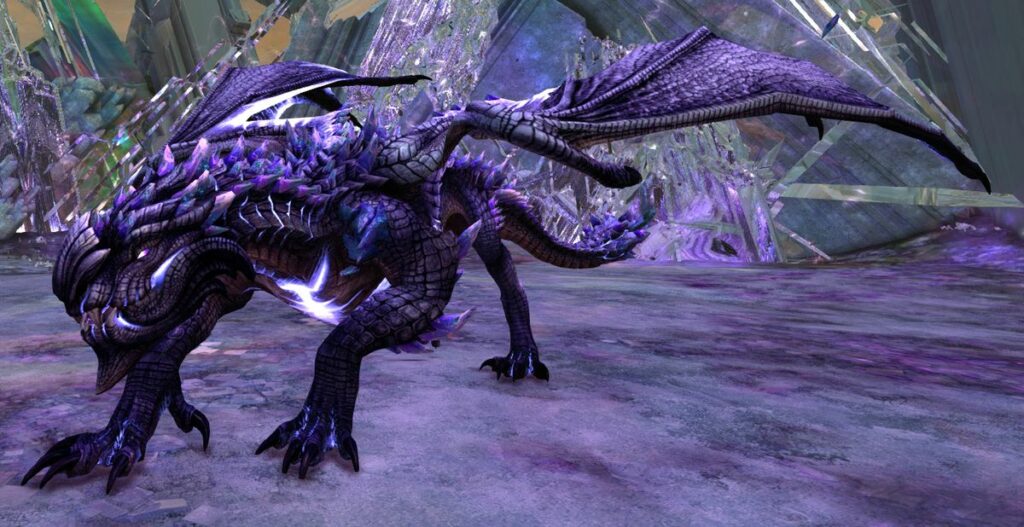
Guild Wars 2: How To Install Addons?


The GW2-Addon-Manager, an application that gathers all of the present addons & makes installing them as simple as clicking a button, is the easiest way of installing Guild Wars Two add-ons.
It’s crucial to remember that it is third-party software and while ArenaNet hasn’t made addons illegal, they aren’t without risk.

Client for Guild Wars 2 addons
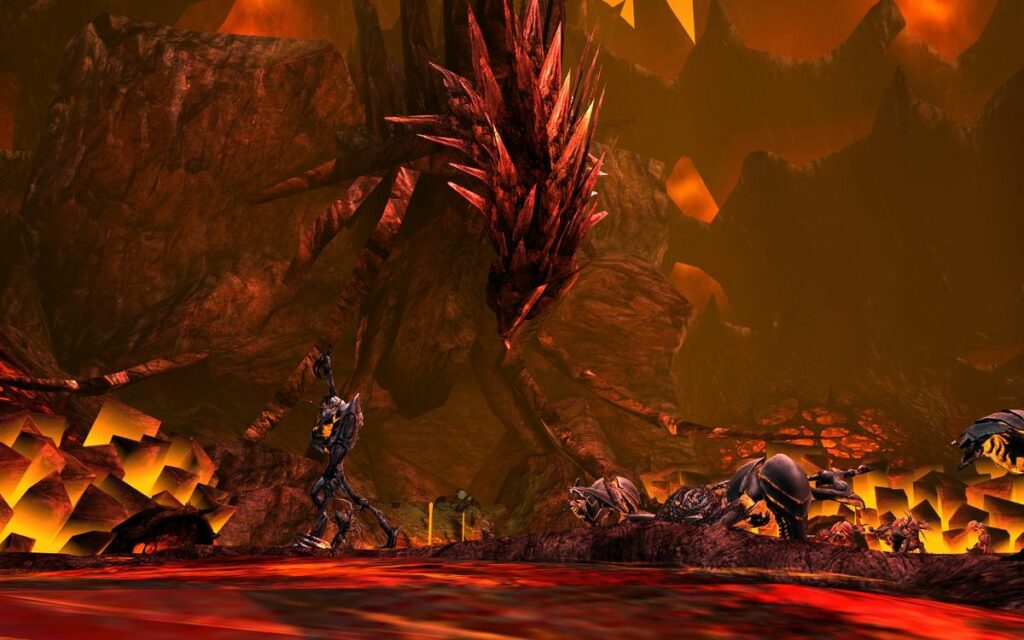
Guild Wars 2: How To Install Addons?


Here, you need to download a GW2-Addon-Manager. However, there are a few conditions you should be aware of first.

  • Download the most recent version.
  • Unzip the zip archive to the desired location.
  • ‘GW2 Addon Manager.exe‘ should be run.
  • This will install the software on your computer, so turn it on and look around.
  • Using the checkboxes, choose the add-ons you desire.
  • ‘Update‘ should be selected.
  • When you log in to Guild Wars 2, the selected add-ons will be active.
  • Steps 1 through 6 must be executed when Guild Wars Two or even its client is not operating.

This is how to install add-ons in Guild Wars 2.

gaming Guides
Share. Facebook Twitter Pinterest LinkedIn Tumblr Email
Aaron
Aaron Kohn
  • Website

Aaron writes guides and news related to the games at TheWestNews.com. Apart from his passion for writing and playing games he's exploring new places around the globe.

Related Posts

Trump Slams Grammys and Threatens Lawsuit Over Trevor Noah Joke

February 4, 2026

GTA 6 Marketing Begins This Summer as Take-Two Reaffirms November Release

February 4, 2026

Fallout Season 2 Finale Review: The House Mostly Wins

February 4, 2026
Advertisement

I Didn’t Change My Spending I Just Started Getting Free Flights and Hotels

December 15, 2025

I Thought My Points Were Worth $600 — Then I Booked a $6,200 Flight

December 15, 2025

The 5-Step Blueprint to Booking Your First $10,000 Flight for $50

December 15, 2025

Current Marriott Bonvoy Card Offers: What You Can Earn Right Now

November 23, 2025

Trump Slams Grammys and Threatens Lawsuit Over Trevor Noah Joke

February 4, 2026

Fallout Season 2 Finale Review: The House Mostly Wins

February 4, 2026

Steal Review: Prime Video’s Twisty Heist Thriller Powered by Sophie Turner

February 4, 2026

Disney Plus Schedule November 24-30, 2025: Chris Hemsworth Documentary and Beatles Anthology Arrive

November 23, 2025
Facebook X (Twitter) Instagram Pinterest
  • About Us
  • Contact
  • Disclaimer
  • Privacy Policy
  • Sitemap
  • Affiliate Disclosure
  • Terms
© 2026 TheWestNews.

Type above and press Enter to search. Press Esc to cancel.