


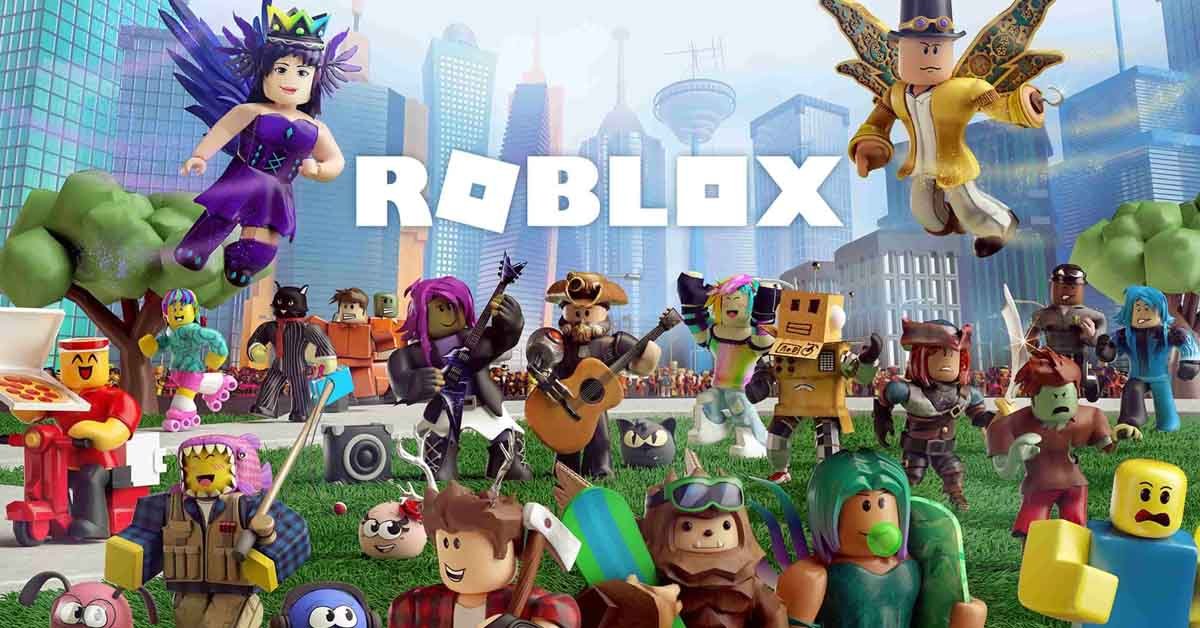
Roblox is one of the world’s most popular online gaming platforms, offering access to millions of user-generated games, including role-playing, obstacle courses, and more. Installing it for the first time on Windows or macOS only takes a few minutes. The how-to on both platforms and answers to frequently asked questions that people have along the way are here.
How to Download Roblox on PC
- Go to the official site. Then head to the official site of Roblox, Roblox.com — always download from the official site, as downloading from third-party websites is a common method for distributing malware.
- Click “Download” or start a game. The Roblox software does not need to be downloaded and installed manually; all you have to do is click on the “Play” button on any game, and the Roblox software will appear if it is not installed.
- Run the installer. A small file named RobloxPlayerLauncher.exe will be downloaded into your Browser. Once it has downloaded, open it.
- Allow the installation. A security prompt may appear in Windows stating whether or not to allow the app to make changes on your device. Click “Yes” if you wish to continue.
- Wait for setup to finish. The installer works very silently and should take less than a minute to install on most PCs.
- Log in or create an account. After installing Roblox, you will be asked whether you have an account, or you can create a new one.
It’s all one process — no separate purchase, subscription or complicated set-up is required. The base platform is 100% free.
How to Download Roblox on Mac
Roblox also runs natively on macOS, and the process is nearly identical to Windows:
- Go to Roblox.com using Safari, Chrome, or your preferred browser on your Mac.
- Click “Play” on any game, or use the “Download” link if you want to install it before choosing a game. This downloads a file called
RobloxPlayer.dmg. - Open the downloaded .dmg file from your Downloads folder or browser download bar.
- Drag the Roblox icon into your Applications folder when prompted — this is the standard install method for most Mac apps.
- Launch Roblox from Applications or Launchpad. macOS may show a security warning the first time since the app was downloaded from the internet — click “Open” to confirm you trust it.
- Log in or create an account to start playing.
There are a few things to note about the Mac:
- Roblox Studio (the game-creation tool) is also available for Mac, but it’s a separate download from the Roblox Player.
- Older Macs may run into performance issues with graphically demanding games, since Roblox on Mac relies on Metal for graphics rendering — Macs from the last several years handle it fine, but very old models may lag on certain titles.
- Gatekeeper warnings (“this app is from an unidentified developer” or similar) are normal for a first install. As long as you downloaded directly from Roblox.com, it’s safe to proceed through the prompt.
Roblox Player vs. Roblox Studio: What’s the Difference?
Sometimes, people try to download Roblox on the wrong download tool without knowing that there are two different downloads, and they end up on the wrong one.
- Roblox Player is what most people want; it’s the application that lets you play games created by other users.
- Roblox Studio is a standalone, advanced game development and publishing platform. Studio isn’t necessary if you don’t want to create content.
For those only looking to play games, the Roblox.com standard game installation is sufficient without having to look up Roblox Studio on its own.
Is the Roblox Download Really Free?
Yes. There is no cost to download, install, and create an account with Roblox. While there is no fee for players to use the platform, the platform generates revenue by offering in-game currency known as Robux that can be used to purchase in-game items or features, such as avatar enhancements. Be careful of any site that promises a free Robux generator along with a download because they are nearly all scams that will steal your account information.
Roblox Login: Common Issues and Fixes
After installing, you might find you are unable to log in. If this happens:
- Make sure that you have entered the right username or email — Roblox is case-insensitive; however, most problems with signing in result from typing the wrong name or email address.
- If you cannot remember your password, don’t use a third-party “recovery” link; use Roblox.com to reset it instead.
- Look for 2-step verification message prompts — if you have set up 2FA, you will need a second email or authenticator app linked to your account.
- If you are logging in from a browser, clear the browser cache as the old browser data may sometimes lead to login loops.
Finding Your Way Around Roblox Home
After signing in, you will arrive on the main Roblox Home page, which displays popular games, activity from your friends, and your avatar settings. If you’ve always wanted to dive straight into a specific game, then take a moment to familiarize yourself with the Home first: there’s also the account settings and notifications there, as well as the search bar, which will enable you to find a specific game by name.
What About Robux?
Robux is Roblox’s in-platform currency, and it is a separate purchase from the download. It is possible to play Roblox without ever spending a Robux, just by using the free items and, in some games, using an access pass, as well as for getting other features that you do not need. Users can buy Robux directly via the Roblox website or mobile app with a credit card, gift card, or mobile payment. As stated above, sites that offer free Robux that require you to give them your login or details aren’t shortcuts; they’re scams.
What to Expect From Roblox Gameplay
Roblox is not just one game; it’s a platform filled with millions of user-generated experiences, which is why some games offer more gameplay than others.
There are many popular categories; these are just a few of them:
- Obstacle courses (obbies), timed platforming challenges
- Role-playing game: A social simulation (such as a virtual town, school, or restaurant)
- Meteor games: games that require investment to create a business or empire over time. The games are called tycoon games or meteor games.
- Battle and survival games are the ones that are more geared toward battle or survival elements, featuring PvP or team competition.
Anybody can upload a game, so it’s important to make sure to check a game’s rating and reviews before playing it, particularly if you’re a parent to a younger player.
System Requirements
Windows:
- Windows 7 or newer (Windows 10 or 11 recommended)
- A dual-core processor
- At least 1 GB of RAM (more is better for smoother performance)
- A graphics card that supports DirectX 10 or higher
- A stable internet connection
Mac:
- macOS 10.13 (High Sierra) or newer
- A Mac with an Intel or Apple Silicon (M1/M2/M3) processor
- At least 1 GB of RAM (more recommended for graphically demanding games)
- A stable internet connection
Most computers of the past 10 years, Windows or Mac, should work fine with Roblox.
Troubleshooting the Roblox Installer
If the installer won’t run or the game won’t launch after installation, a few quick fixes solve most problems:
- Reboot the computer: Many installer glitches are eliminated.
- If your security software blocks the installation, please temporarily disable it during the installation. Immediately re-enable it.
- Delete and reinstall: Uninstall Roblox from “Apps & features” (in Windows settings) and re-download the installer from Roblox.com’s web page.
- Make sure that your graphics drivers are up to date; one of the more common reasons for Roblox not launching correctly is because of an outdated graphics driver.
Final Words
After installation, Roblox will update itself when new versions are available, so you shouldn’t have to reinstall it later down the road. In the event that you experience any download or login problem, and it is not resolving, the Roblox support site is the best place to check. Do not use third-party “fix” software that requests your account password.
Want more? Check out TheWestNews Gaming for the latest news, guides, and updates across your favorite platforms or dive into our full collection of Roblox Guides for tips on gameplay, Robux, avatar customization, and more.
