

Close Menu
The West News
  • Home
  • News
  • Entertainment
  • Money
  • Local
    • Los Angeles
  • World News
Facebook X (Twitter) Instagram
The West News
  • Home
  • News
  • Entertainment
  • Money
  • Local
    • Los Angeles
  • World News
Facebook X (Twitter) Instagram
The West News
Home » PS5: How To Mute The Console Or The Controller Mic?
News

PS5: How To Mute The Console Or The Controller Mic?

Aaron KohnBy Aaron KohnMay 11, 20222 Mins Read
Facebook Twitter Pinterest LinkedIn Tumblr Email
PS5: How To Mute The Console Or The Controller Mic?
Share
Facebook Twitter LinkedIn Pinterest Email

Welcome to our guide “PS5: How To Mute The Console Or The Controller Mic?”. We can show you how to mute your PS5 controller mic. Mainly to ensure that you don’t accidently broadcast everything you say to the entire world when playing online games. The PS5 has a lot of new and exciting features to learn about. Although not every single of them are required. Your PS5 controller mic can be muted as well as the complete PS5 system by pressing a button!
PS5: How To Mute The Console Or The Controller Mic?

How to mute the controller mic?

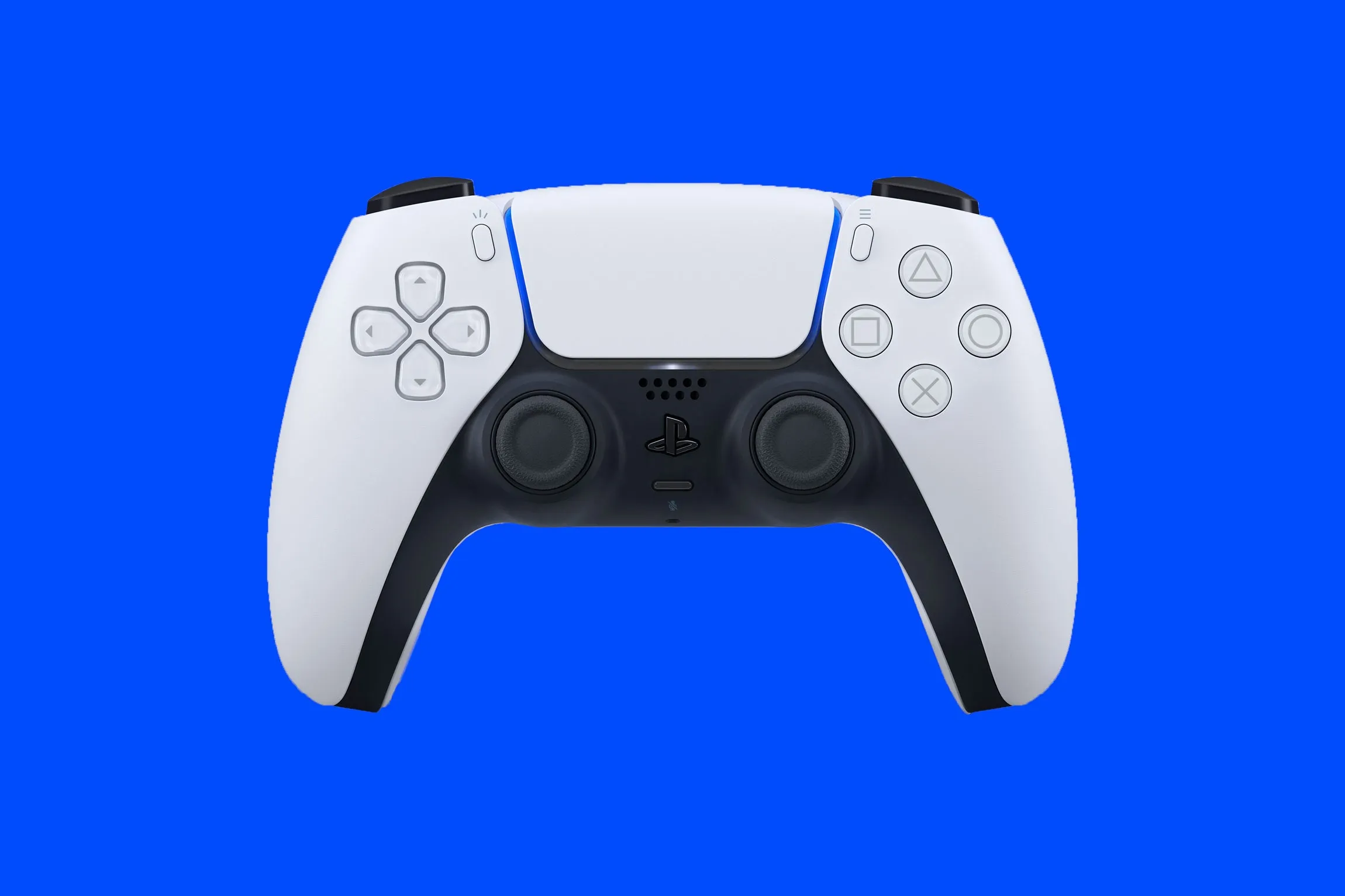
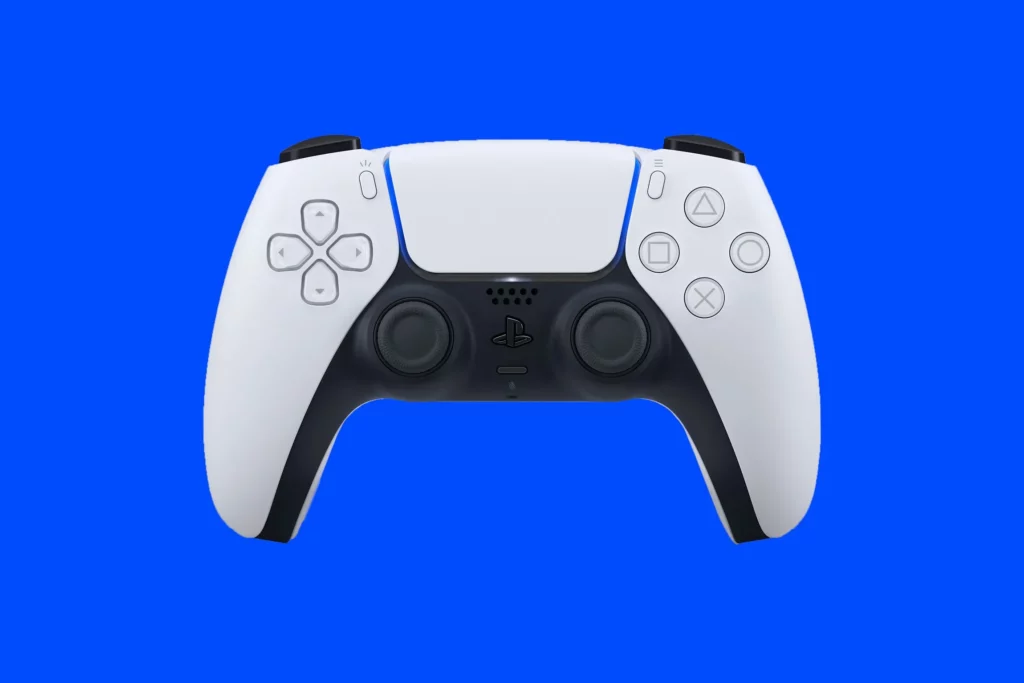
To mute your PS5 controller mic, simply hit the Mute button right beneath the PS button of your pad. The button will turn orange when the DualSense mic is muted. A mute icon will display in the upper right side of your screen. You can also use the PS button to bring up the control center icons on the bottom of your screen. Then choose the Mute prompt. You can unmute your PS5 controller mic by tapping it again. Also by selecting the Mic icon inside the control center & selecting the Mute prompt.

How to mute your console?

To instantly mute your PS5 controller mic as well as all the sound output on your system, press the mute button on the PS5 controller. You can do this by holding the Mute button till all the sound output ceases and the button turns orange, indicating your whole PS5 system is now muted. Turn off the light by tapping the Mute button or selecting the Sound or Mic symbols within the control centre as well as selecting the Turn Off Muting alert.

We hope you liked our guide “PS5: How To Mute The Console Or The Controller Mic?”. Please leave a comment below!

gaming News
Share. Facebook Twitter Pinterest LinkedIn Tumblr Email
Aaron
Aaron Kohn
  • Website

Aaron writes guides and news related to the games at TheWestNews.com. Apart from his passion for writing and playing games he's exploring new places around the globe.

Related Posts

Citi Rewards Credit Card (2025) — 4 mpd Online, Caps, MCCs, Fees, Transfers, Amaze

April 19, 2026

UOB Preferred Platinum Visa: Bonus Cap Split From October 2025

April 17, 2026

Singapore Airlines Adds Access Awards with Dynamic Pricing

April 17, 2026
Advertisement

Citi Rewards Credit Card (2025) — 4 mpd Online, Caps, MCCs, Fees, Transfers, Amaze

April 19, 2026

UOB Preferred Platinum Visa: Bonus Cap Split From October 2025

April 17, 2026

Singapore Airlines Adds Access Awards with Dynamic Pricing

April 17, 2026

UOB Visa Signature Card Review

April 17, 2026

Best Netflix Shows & Movies Coming in 2026 to Add to Your Watchlist

April 15, 2026

Trump Slams Grammys and Threatens Lawsuit Over Trevor Noah Joke

February 4, 2026

Fallout Season 2 Finale Review: The House Mostly Wins

February 4, 2026

Steal Review: Prime Video’s Twisty Heist Thriller Powered by Sophie Turner

February 4, 2026
Facebook X (Twitter) Instagram Pinterest
  • About Us
  • Contact
  • Disclaimer
  • Privacy Policy
  • Sitemap
  • Affiliate Disclosure
  • Terms
© 2026 TheWestNews.

Type above and press Enter to search. Press Esc to cancel.